4. Press the arrow buttons to select Setup, then press OK.
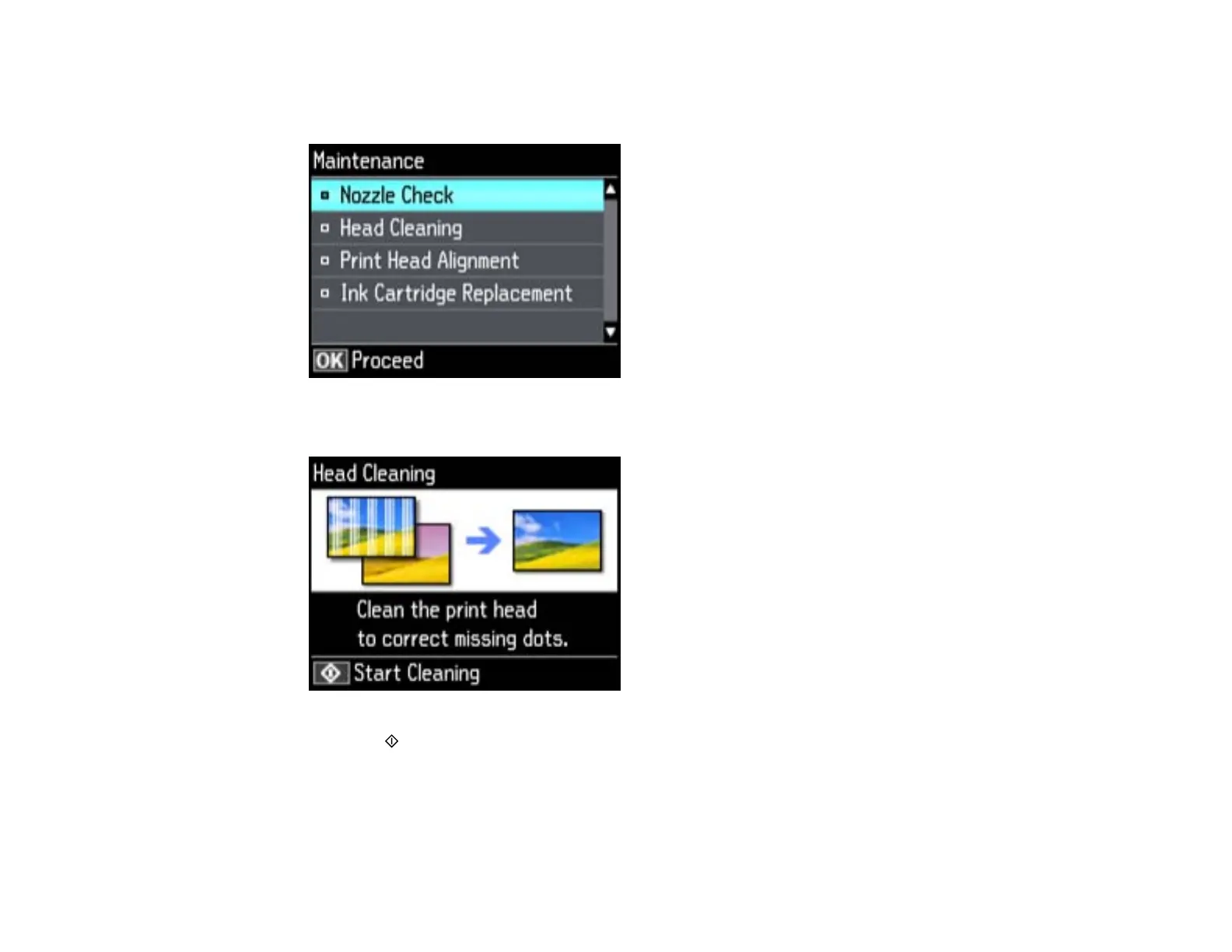
5. Press the arrow buttons to select Maintenance, then press OK.
6. Select Head Cleaning, then press OK.
7. Press the start button to clean the print head. You see a message on the LCD screen during the
cleaning cycle.
Caution: Never turn off the product during a cleaning cycle or you may damage it.
When the cleaning cycle is finished, you see a message on the display screen.
210





 To Next Page