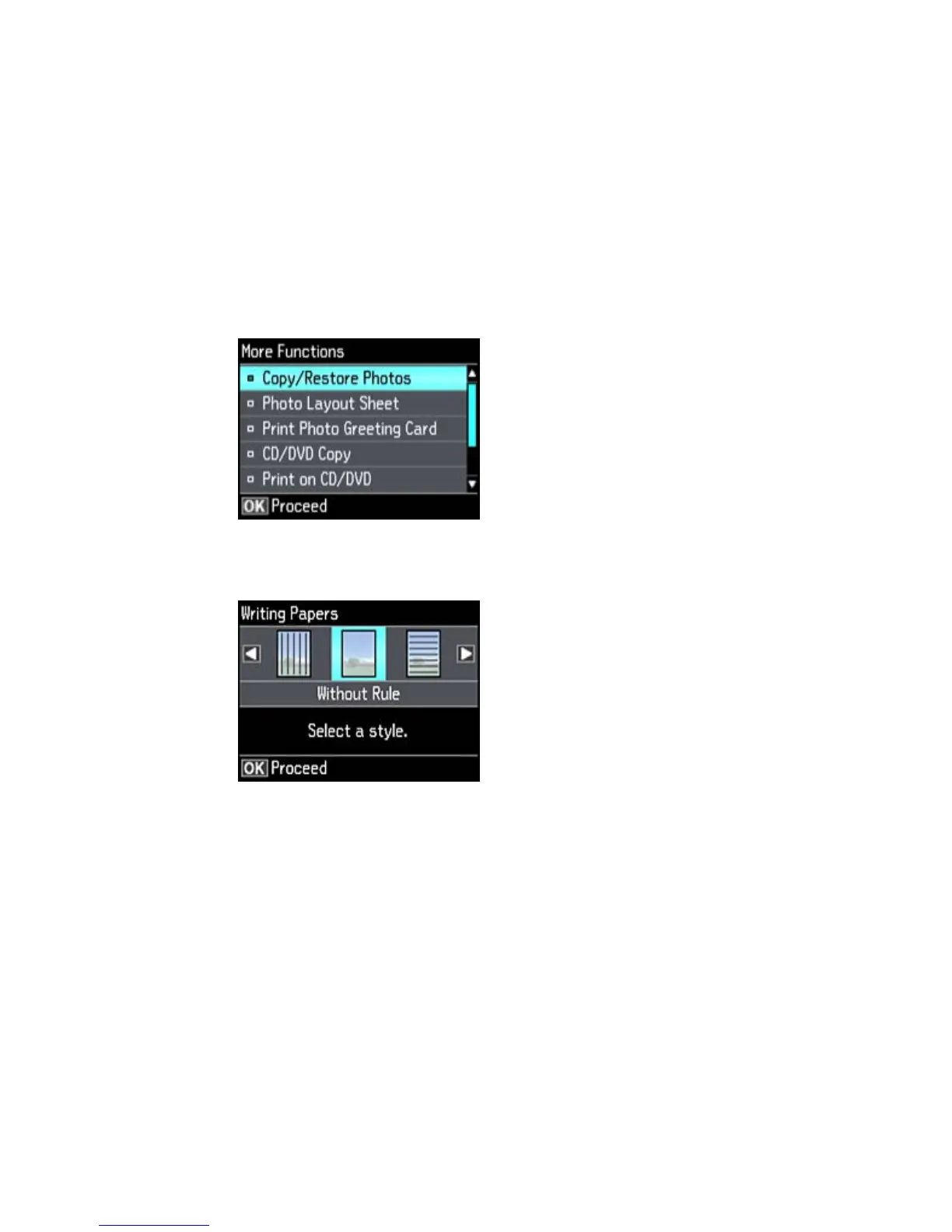
4. Press the arrow buttons to select More Functions and press OK.
5. Select Personal Stationery and press the OK button.
6. Select Writing Papers and press the OK button.
7. Select one of the layout options and press the OK button.
Note: View the images for each option to preview the design layout.
8. Select the size of paper you loaded and press the OK button.
199



 To Next Page