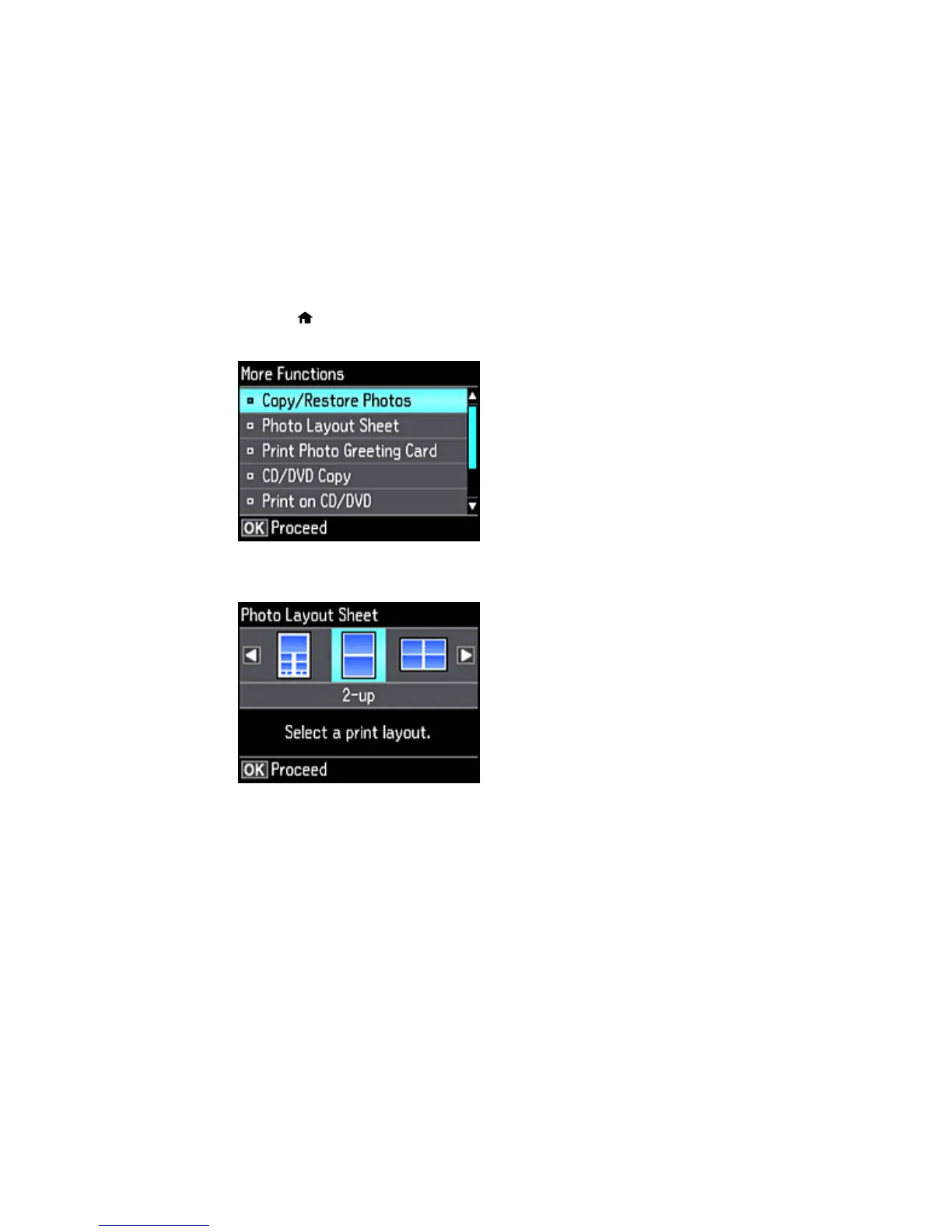
3. Press the home button, if necessary.
4. Press the arrow buttons to select More Functions and press the OK button.
5. Select Photo Layout Sheet and press the OK button.
6. Select one of the following options and press the OK button:
• Jewel Upper to print one photo on the upper half of the insert.
• Jewel Index to print 24 or 48 thumbnail images on the insert.
7. Select your paper size and type, and press the OK button.
212









 To Next Page