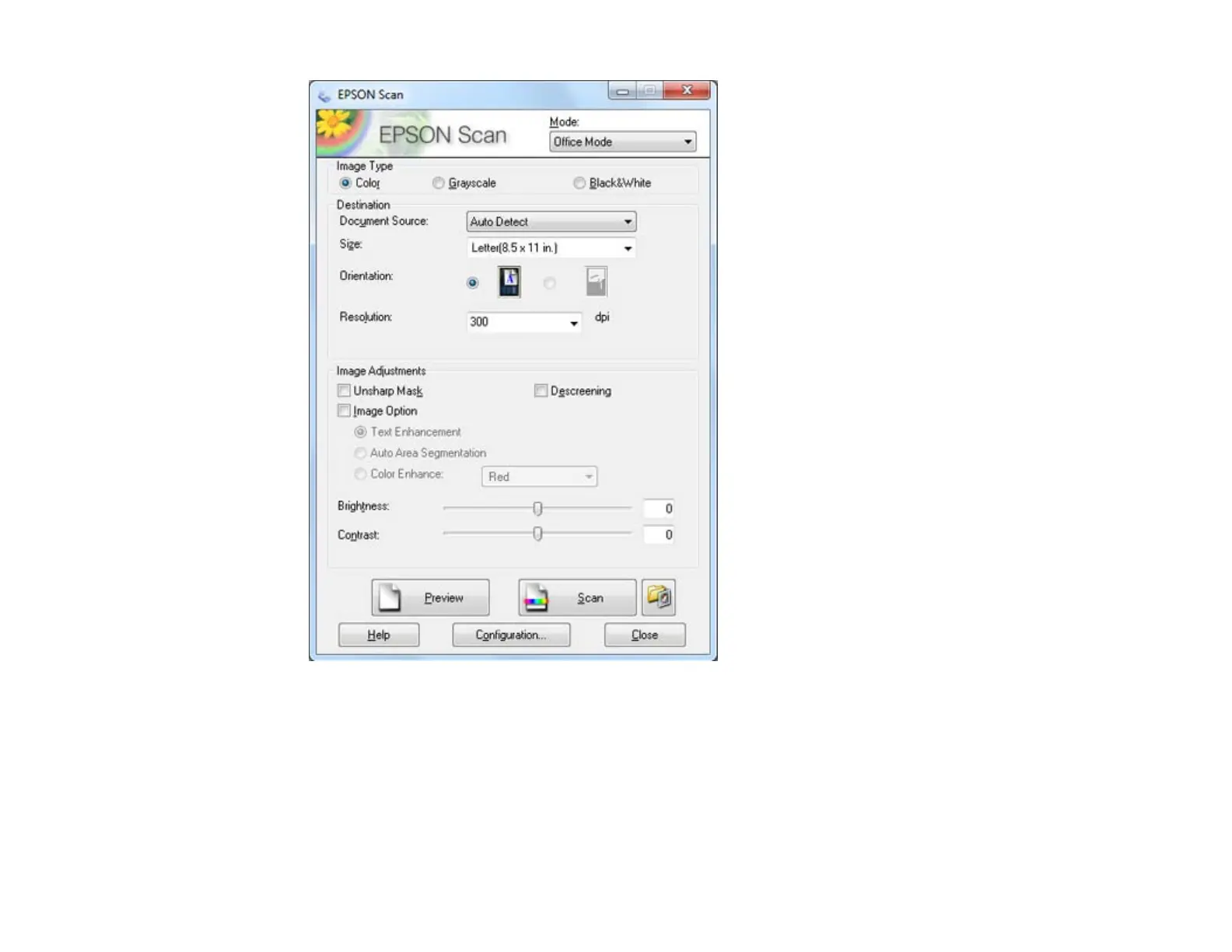
2. Select the Image Type setting that matches your original.
3. Select the Document Source setting indicating where you placed your original. To scan a 2-sided
document in the ADF, select ADF-Double-sided.
Note: If you are using the ADF, remove any documents from the scanner glass.
4. Select the Size and Orientation settings that match your original.
111















 To Next Page