INSTRUCTIONS MANUAL
4.INSTALLATION
• Ensure the power supply circuit has circuit protection
• Use insulated tools when working with power supply
• Use correct safety equipment when working at elevated levels
•
Please test the product before installation to see if it works properly.If
the product works properly after inspection, please install it. If not,
please contact us promptly to return it.
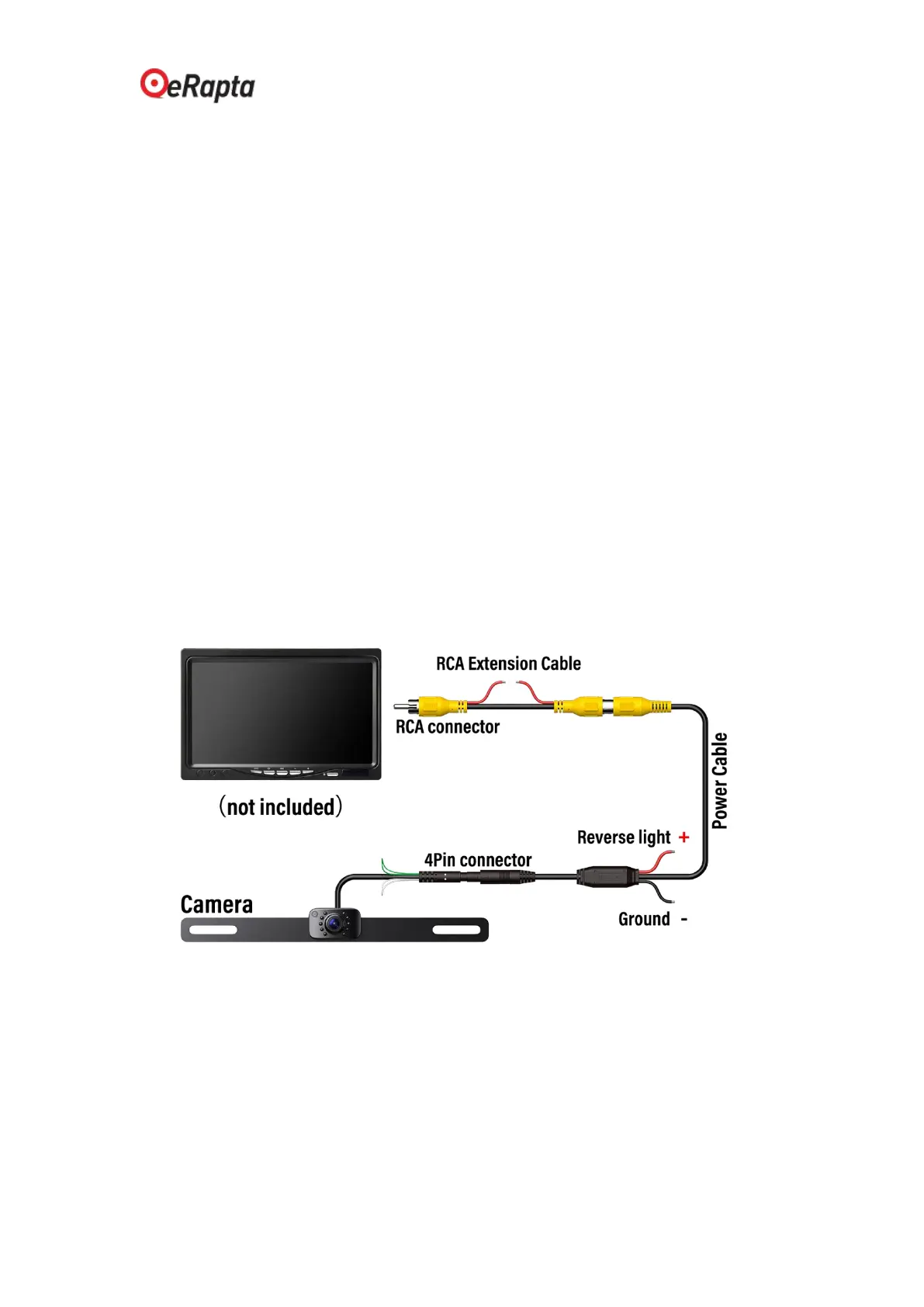
4.1 Installation Diagram
Powered by the reversing light, the camera is connected to the power
cable through the 4pin connector, and then connected to your screen
through the extension cable RCA connector.


 To Next Page