Factory reset
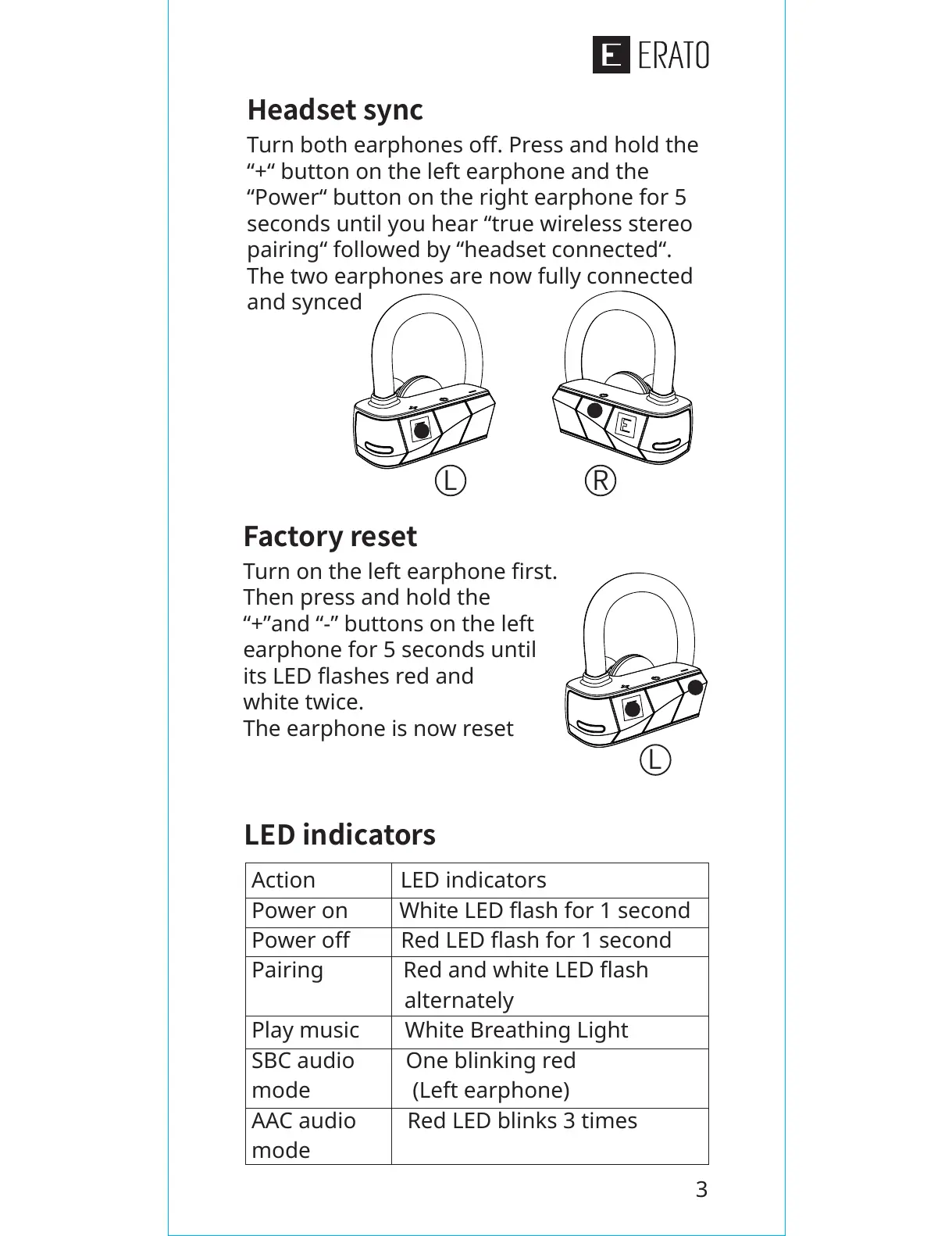
Turn on the left earphone first.
Then press and hold the
“+”and “-” buttons on the left
earphone for 5 seconds until
its LED flashes red and
white twice.
The earphone is now reset
Headset sync
Turn both earphones off. Press and hold the
“+“ button on the left earphone and the
“Power“ button on the right earphone for 5
seconds until you hear “true wireless stereo
pairing“ followed by “headset connected“.
The two earphones are now fully connected
and synced
L
L
R
3
LED indicators
Action LED indicators
Power on White LED flash for 1 second
Power off Red LED flash for 1 second
Pairing Red and white LED flash
alternately
Play music White Breathing Light
SBCaudio One blinking red
mode (Left earphone)
AACaudio Red LED blinks 3 times
mode


 To Next Page