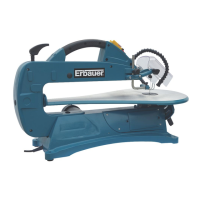
ERBAUER 457MM SCROLL SAW ERB704SSW
BLADE REMOVAL AND INSTALLATION
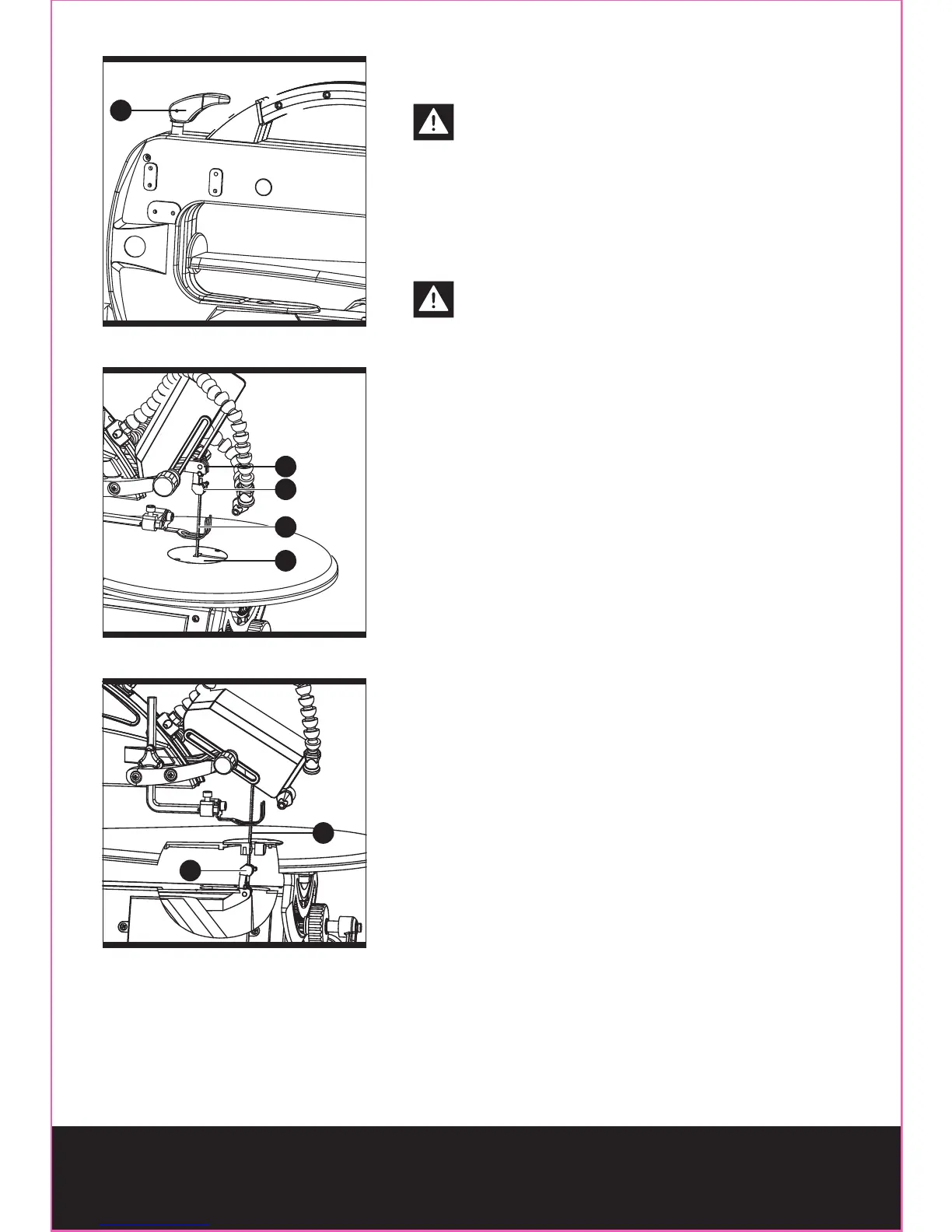
(Fig. 9-11)
CAUTION! To prevent personal injury,
always turn saw OFF and disconnect the
plug from the power source before changing blades.
PIN-END BLADES: (Fig. 9-11)
Pin-end blades are thicker for stability and for faster
assembly. They provide faster cutting on a variety
of materials.
NOTE: When installing pin-end blades, the
slot on the blade holder must be slightly
wider than the thickness of the blade. After the
blade is installed, the blade tension knob will keep
it in place.
To remove a blade:
- Open the blade guard upward.
- Loosen the blade tension by pushing the blade
tension knob (9) up.
- Lift the saw blade (8) out by pulling forward on
blade, then lifting the blade from the upper blade
holder (3) and lower blade holder (20). Slight
downward pressure against the upper arm (38)
may be helpful when removing blade from upper
blade holder.
Install a blade:
- Place the new blade through the opening in the
table insert (15) with the teeth to the front of the
saw and pointing down toward the work table.
- Hook the new blade (8) in the recess of the lower
blade holder (20).
- Pull up on the blade, press down on the upper
arm (38) and position the upper end of the blade
in the slot on the upper blade holder (3).
- Push down the blade tension lock knob (9).
Make sure the blade is properly located in the blade
holders.
- Close the blade guard downward.
Fig. 9
9
Fig. 10
15
8
20
38
Fig. 11
20
8



 To Next Page