SR2 Technical Manual EN
Indice : C 25/03/2019
Firmware v2.9
16 / 31
ERECA SAS - 75 rue d'Orgemont, 95210 St Gratien France T : +33 1 39 89 76 23 W : www.ereca.fr
2.4 VISUALISATION
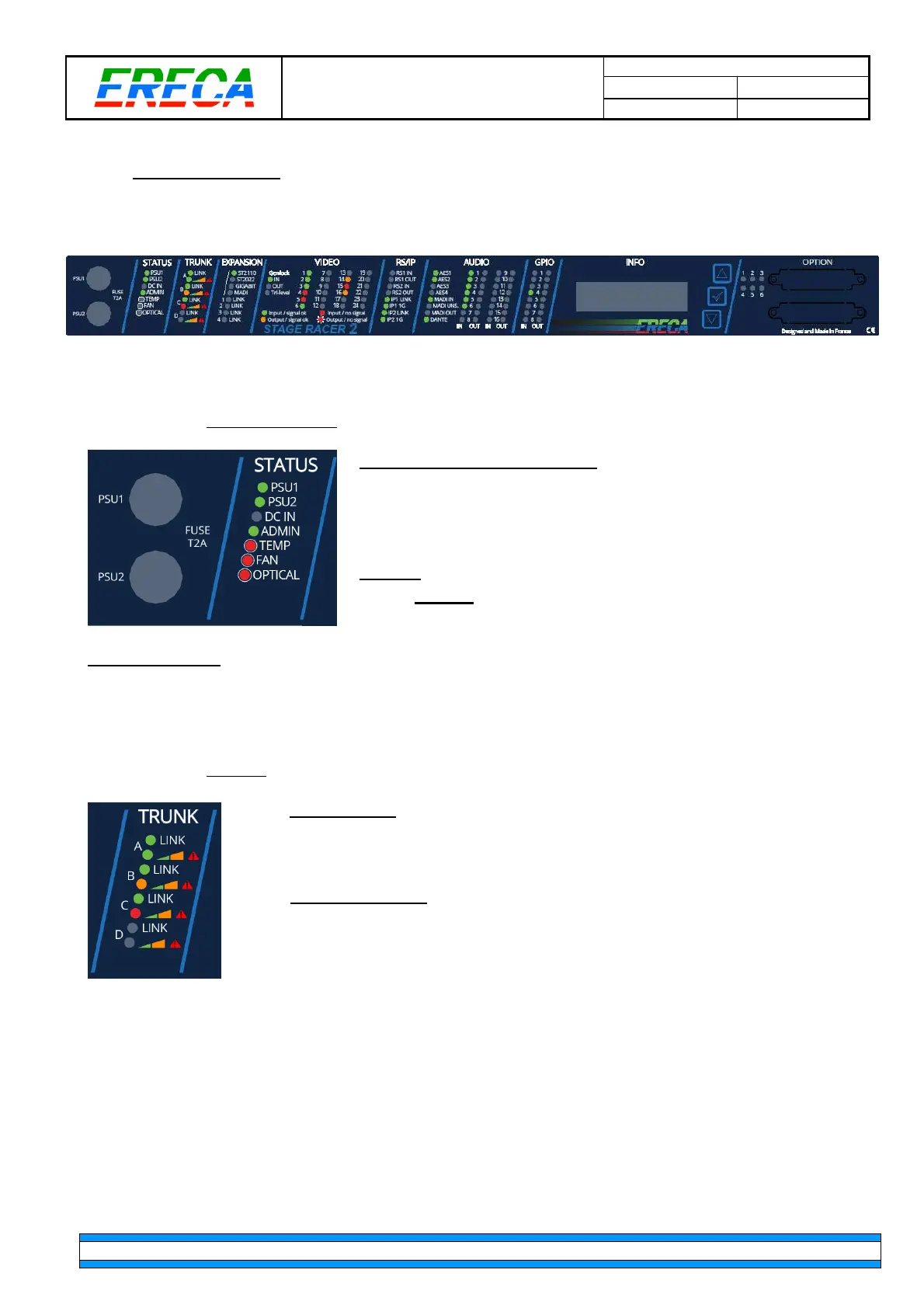
The display face provides a comprehensive LED panel of the STAGE RACER 2.
For ease of trouble shooting one LED is affected per transmitted signal.
The 2 mains PSU fuses are also located on this side of the equipment for ease of replacement. (Model is
250Vac 2Amp time lag 5x20mm fuse).
2.4.1 General Status
Status related to power supply
•
PSU 1:
Green LED, ON when the PSU module 1 is powered.
•
PSU 2:
Green LED, ON when the PSU module 2 is powered.
•
DC IN:
Green LED, ON when the battery is in use (in that case
PSU1 and PSU2 are unpowered)
General
•
ADMIN:
GREEN LED, ON when a connection is established
on the admin port.
Technical alarms
•
TEMP:
Red LED, ON when the internal temperature is over 70°C
•
FAN:
Red LED, ON when an internal fan is out of service (Open circuit or Stuck)
•
OPTICAL:
Red LED, ON when the power is low on a connected trunk
2.4.2 Trunks
Trunk activity
•
LINK:
Green LED, ON when a connection is established with another machine
on that particular trunk port (A, B, C or D).
Trunk occupation
•
LED OFF,
when trunk is not used (occupation at 0%)
•
Green LED, ON
when trunk occupation is between 0% to 49%
•
Orange LED, ON
when trunk occupation is between 50 to 100%
•
Red LED, ON
when there is a problem with the trunk



 To Next Page