M3M3
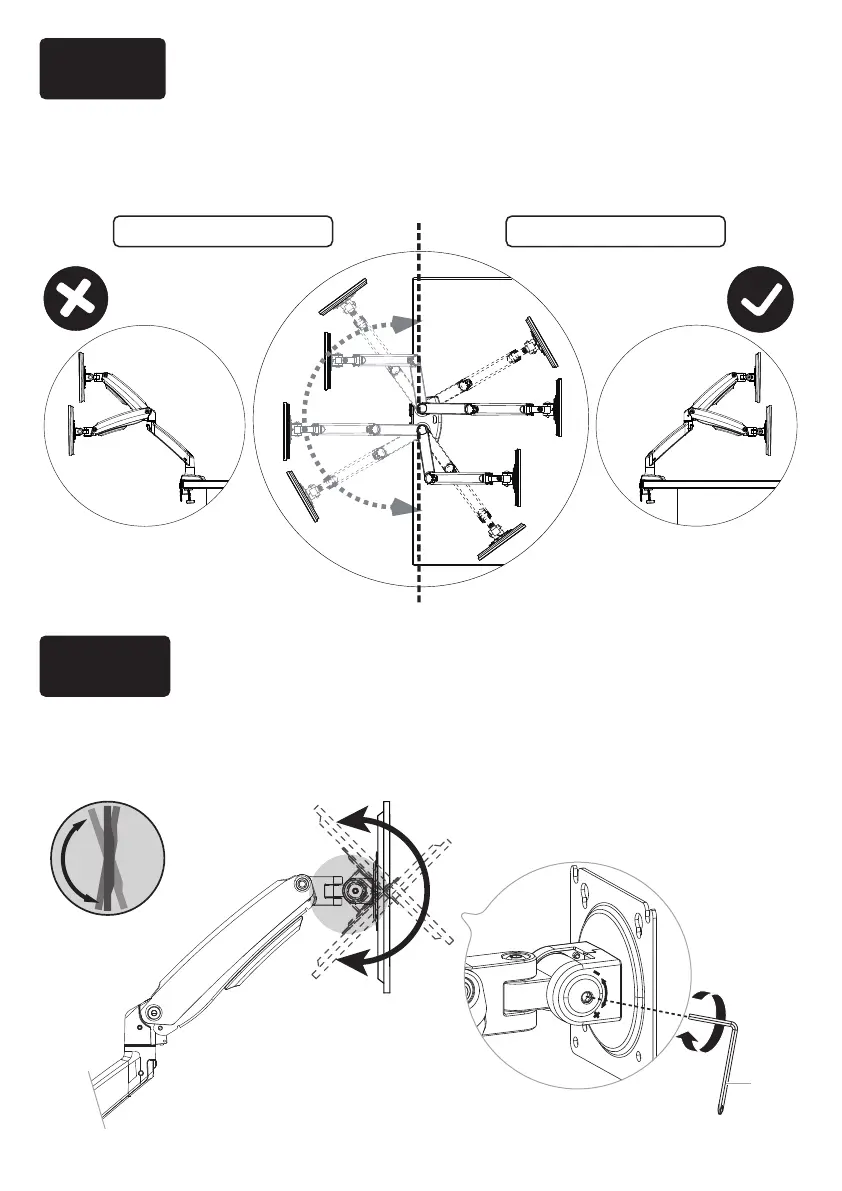
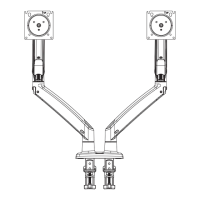
Incorrect orientation Correct orientation
To ensure proper stability, do not position monitor behind base. Monitor and arms
should remain over the desktop. Failure to do so may cause instability, resulting in
property damage or injury.
8-1 Slightly loosen the bolt with large Allen key [M3].
8-2 Tilt monitor to your desired position.
8-3 Re-tighten the bolt with large Allen key [M3] to hold monitor in desired position.
Step 7 Rotation Restriction
Step 8 Adjust the Monitor to Proper Tilt Angle
15


 To Next Page