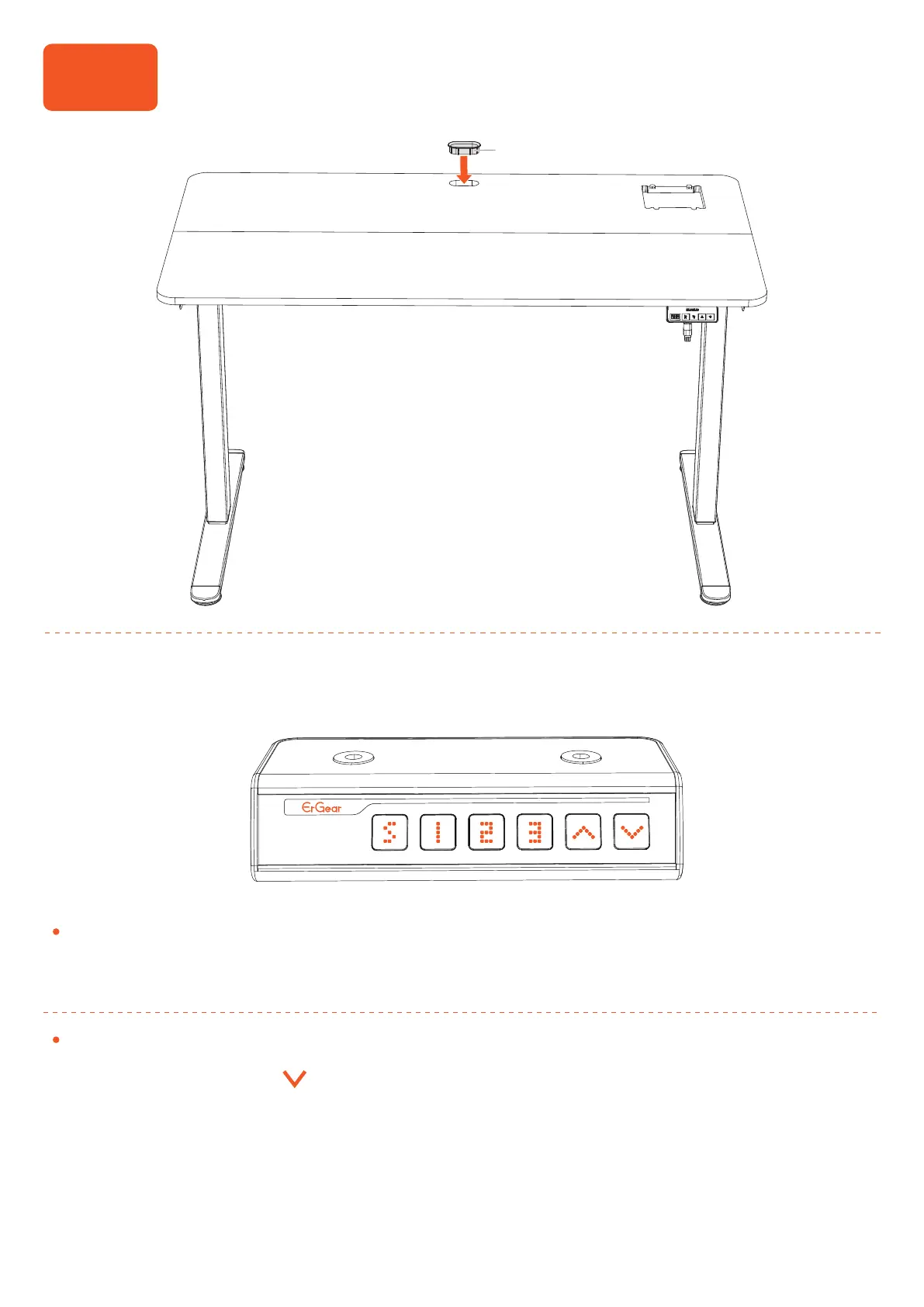
Step 9
Installing the Cable Hole Cover
Using the Controller
Reset
1. Press and hold the button until the desk goes down to its lowest level,
and then release the button.
2. Press and hold the button until ‘rst’ is displayed. Continue holding until
the desk goes down to its lowest level and comes back up slightly. Release
the button with the current height displaying, and reset is complete. If the
button is released during the reset procedure, reset will stop. The desk won't
work until reset is done correctly.
Note: After initial power-on, the screen will show the current height. If the
displayed height doesn't match the actual height or if the desk legs are
unequal, please follow the reset instructions.
1717
17


 To Next Page