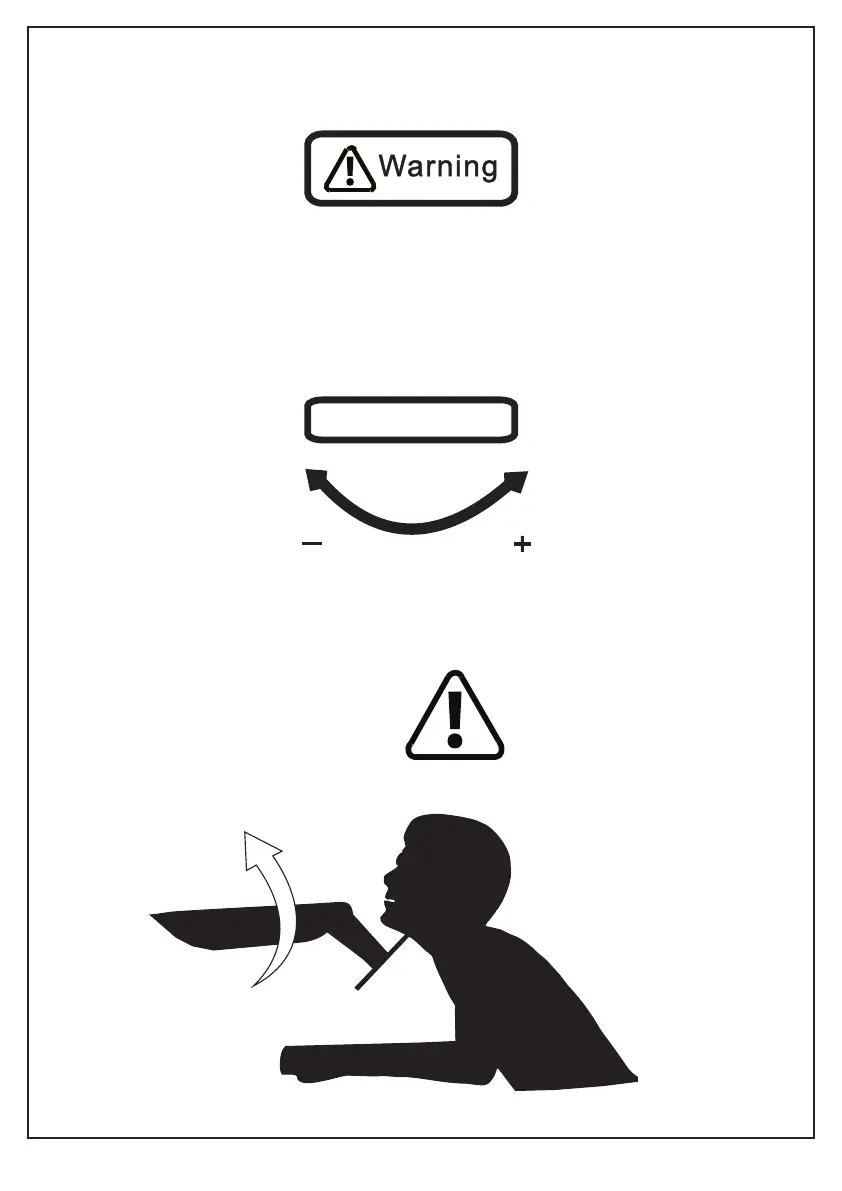
Warning!
Do not adjust tension without monitor.
1. Ensure monitor has been attached to the mount.
2. Read your monitor box or manual to find out monitor net weight.
3. Ensure the net weight of monitor (including accessories) is between
6.6~26.4 Ibs (3-12 kg).
Clockwise to reduce
tension(carry less weight)
Counter-clockwise to increase
tension(carry more weight)
TENSION ADJUSTMENT SHOULD BE DONE ONLY
AFTER MOUNT INSTALLATION
Adjustment Sign
03



 To Next Page