9 of 12
12
1
2
888-24-205-G-01 rev. C • 09/12
Set-up Steps
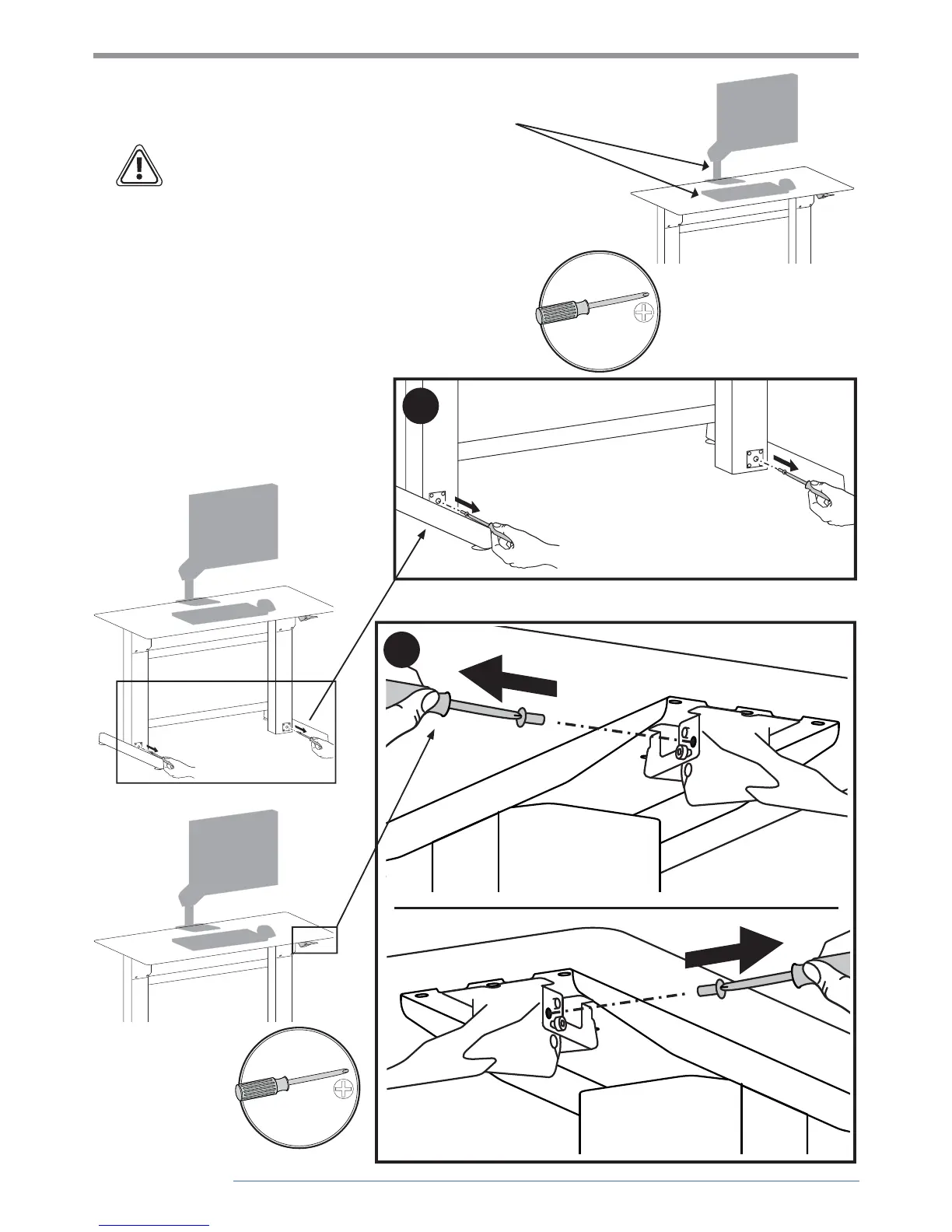
Install all equipment before removing the 4
brake stop screws.
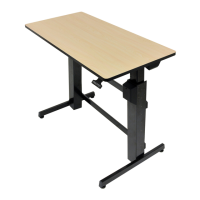
CAUTION! Make sure you leave 20” (508mm) of slack
in all cables to allow the worksurface to raise up it’s
full 20” (508mm). Failure to allow enough slack in
cables may cause cables to get pulled, equipment to
fall o desk and may result in product damage and or
personal injury.
After installing all equipment, remove
the 2 stop screws from the legs then the
2 stop screws from the brake to allow the
worksurface to raise and lower.
IMPORTANT! Save these stop screws and
instructions. Install stop screws when moving,
shipping or storing this product. Failure to
follow these instructions may cause lift engine
to expand rapidly and may result in equipment
damage and or personal injury.


 To Next Page