9
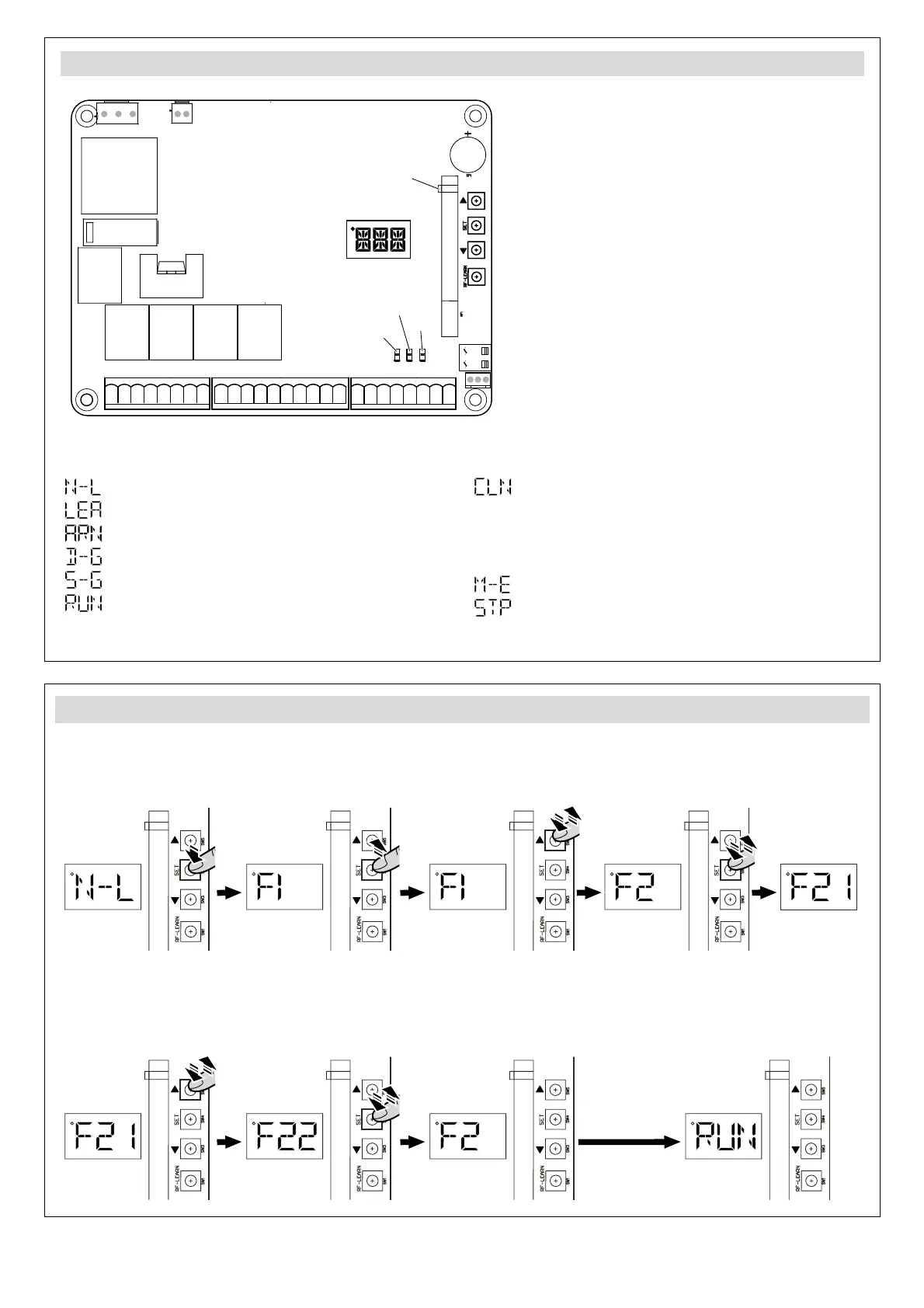
Display indications, LEDs and pushbuttons
M2-M1-
Lat-
Lit-
Lmt4Lmt3
Lmt2
Lit+ SKey
S1
M2+
M1+Lat+ Ph2Ph1 PhVcc PhVcc
S25V
ANT
GND
DKey GND
GND
GND
GND
Lmt1
GND
+-
J1
Q17
J5
K5
K3
K2K1
J4 J3
J7
F1
DB1
J8
NC NO
CO
+-
NC NO
CO
+--+
CO
NONC
+
CO
NONCNC NO
CO
+-
-
+
12345678
9101112131415161718
19 20 21 22 23 24 25 26
LED3
LED4
LED2
LED Display
LED Azul-Memorización Radio
LED2 Pulsador o Selector de llave
LED3 Fotocélula 1
LED4 Fotocélula 2
UP
SET
DOWN
RF-LEARN
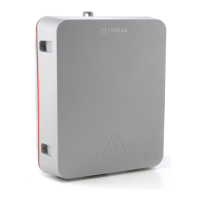
M307C
DL1
DL2
DL4
DL3
Display indications:
Gate open/close not programmed
You have entered open/close programming
Programming open/close about to start
Programming double-leaf gate open/close
Programming single-leaf gate open/close
Programming complete
Memory erased (reset to factory settings)
To return to default settings, hold down "UP" and
"DOWN" until "CLN" appears. The memory
returns to default settings and the display shows
"N-L".
Error in gate operation
The operator has stopped in an intermediate part
of the run
Pushbuttons:
UP Goes through the options during
programming
SET Selects the options during
programming
DOWN Goes back through the options
during programming
RF-LEARN Programmes and erases
transmitters
LEDs:
DL1 (blue) Stores radio code
DL2 Pushbutton or key switch
DL3 FT1 photocell
DL4 FT2 Photocell
Selecting the number of leaves (parameter F1)
1 Hold down "SET" until the display
shows F1. Then release "SET".
2 Press "UP" once: the display
changes to F2.
3 Press "SET" once: the display
changes to F21.
4 Press "UP" once: the display
changes to F22.
5 Press "SET" once: the display
changes to F2.
6 Programming is exited after a few
seconds without pressing any
button.
A307A
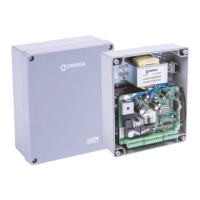
A307B



 To Next Page