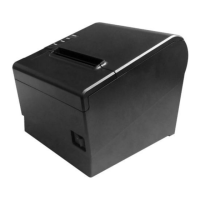
POS80 Thermal POS printer User’s manual
8
Function instruction of components
1)Power switch
Press “O” side to power off, press “I” side to power on.
2)Power indicator(green)
The indicator is on when power on, and it is off when power off.
3)Error indicator (Red)
Error indicator is on when it detects error. Such as: paper out, upper cover is open and cutter is stocked.
4)Paper indicator(red)
Paper out indicator is on when it detects the paper is out. Please put a new paper roll to printer inside then.
3.2 Indicator and buzzer instruction
1)Function instruction of indicators and buzzer
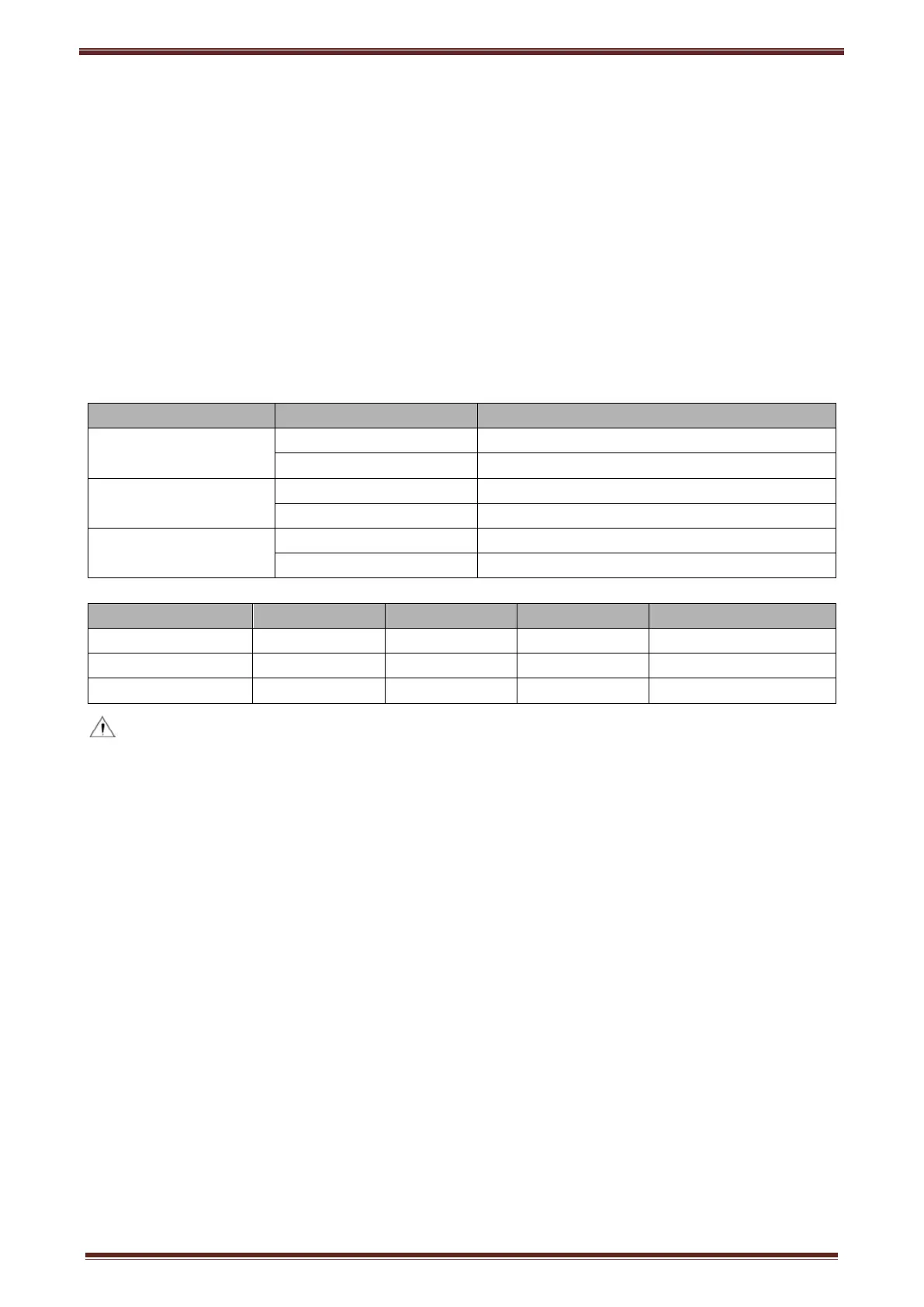
Name Status Instruction
Power indicator (Power)
On Printer is power on
Off Printer is power off
Error indicator (Error)
On Printer is in error status
Off Printer is in normal status
Paper out indicator
(Paper)
On Printer is in paper out status
Off Printer is in normal status
Description Power Indicator
Error Indicator
Paper Indicator
Buzzer
Open printer cover On On On It rings 6 times by 1.5s.
Paper is enough On Off Off Silent
Paper out On On On It rings 3 times by 1.5s.
Note: Printer detects printer head temperature via thermal resistance. It will cut off print head power
and stop printing if print head is overheat. The print head protection temperature is 80℃.


 To Next Page