Calibration can help you achieve excellent print results, so read this section
carefully, or you may cause printer damage and print failure.
Prepare a standard piece of A4 paper and lay the printer flat
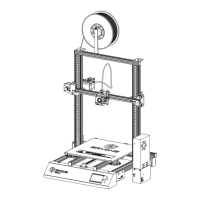
The ER-20 3D printer firmware turns on the automatic leveling function by
default. The sensor Eryone developed enables the machine to automatically
level. We can Level the printer easily by calibrating.
Auto leveling
❶ Preparation
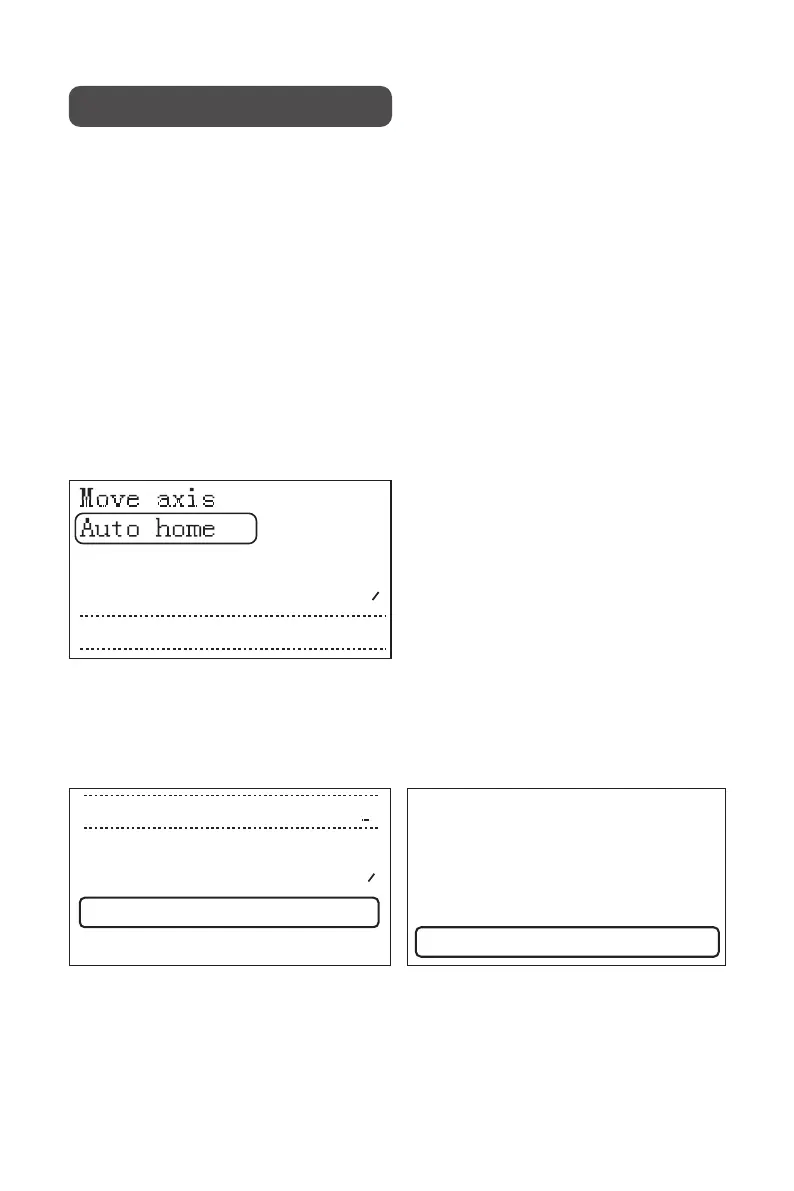
Home the printer to default location.
❷ Auto Home
Click the LCD and click “Configuration” to enter “Calibrate Z” menu then level
the printer according to the instructions.
❸ Calibrate Z axis.
Calibration and Print
Fade Height: 0
Level Bed
Disable steppers
→
Cablibrate Z
Probe Z Offset:
-2.90
Main
Advance Settings
Bl Touch
→
→
→
Chanfe Media
About Printer
Configuration
Change Filament
Print from Media
→
→
→
→
→
3


 To Next Page