CHAPTER 18
Video terminal VT515W
405.1200.037.2 - Rel.: 2.21 of 25/02/2008
18-22
The choice should be according to the speed you intend to use for the trans-
fer (Slow=9600bit/sec or Fast=38400bit/sec), touch the relevant on the
display. The VT is now ready to receive (see Software Manual for the trans-
fer).
Information
relating to
driver
After the project has been transferred, the VT can make available informa-
tion relating to what has been loaded. The information regards:
• Serial ports present
• The name of the driver loaded
• The version of the driver loaded
• Network address of the VT
• Last error to have occurred
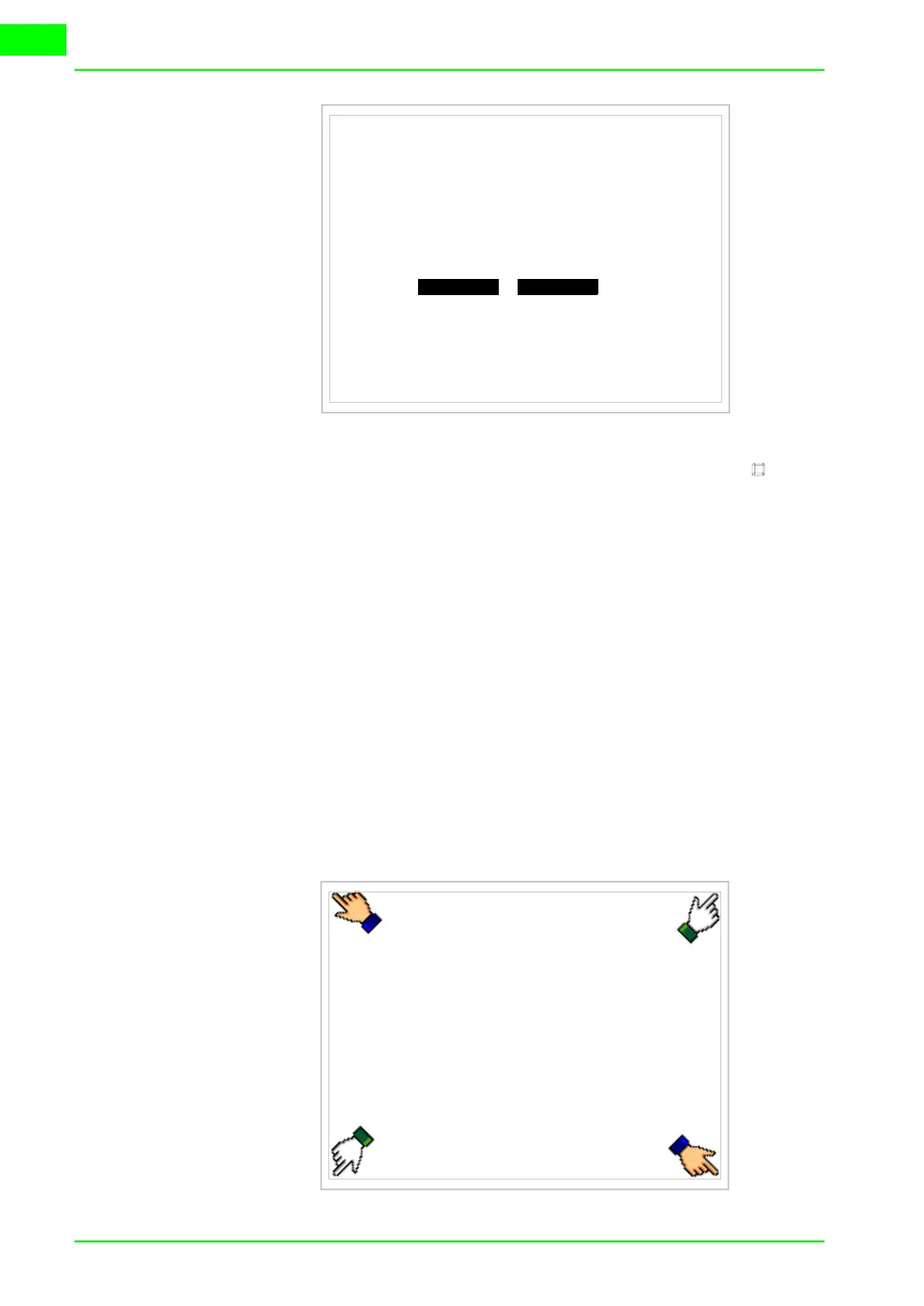
To acquire this information carry out the following operations:
• Be situated in any page of the project
• Press two diagonally opposed angles that are free of any settable objects
or buttons (at least one angle must be free)
VT515 TRANSFER PAGE
Main BOOT and RAM check : OK
Main FIRMWARE check : OK
SELECT:
SLOW FAST`



 To Next Page