iMiniPlus PDF Logger User Guide v2.0
- 15 -
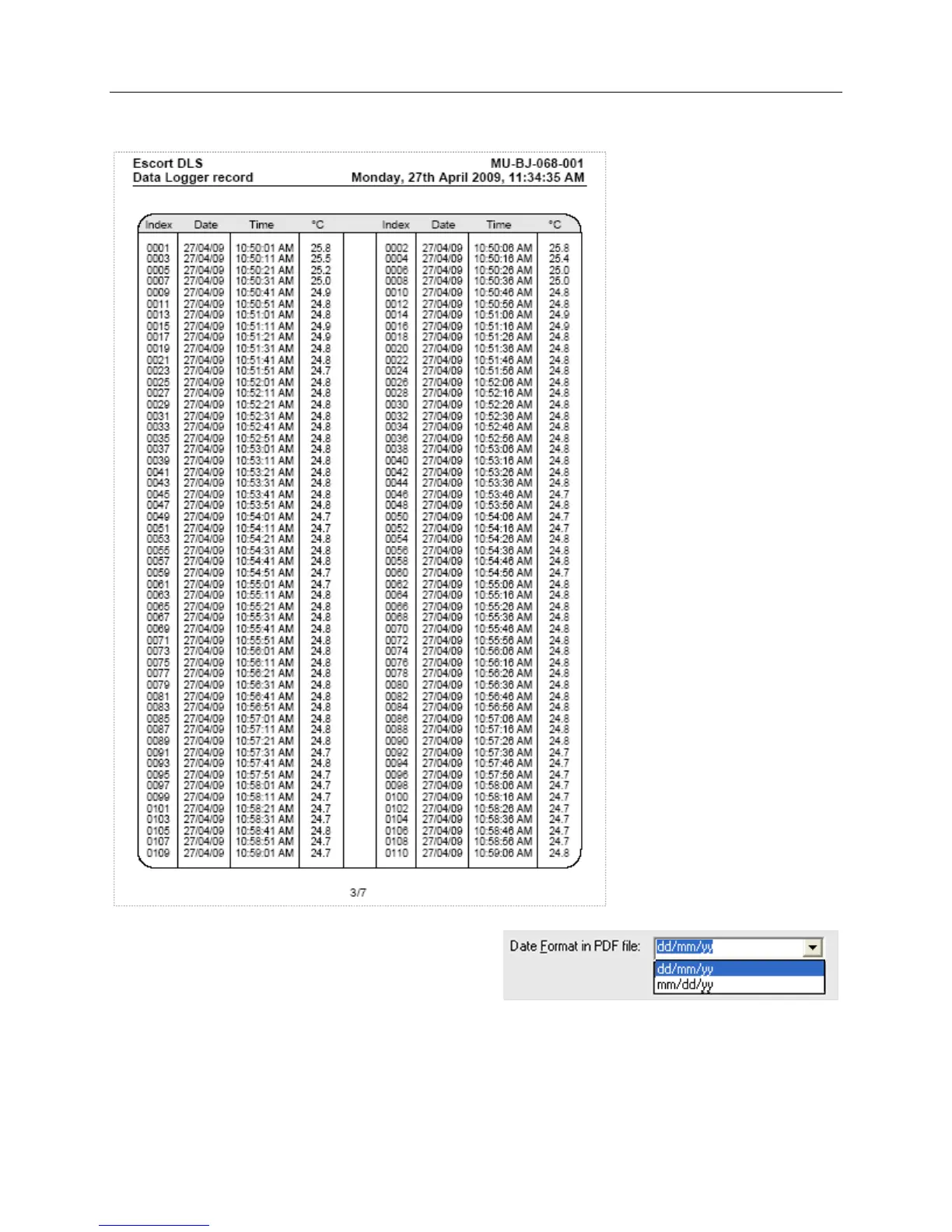
If you uncheck “Show list of readings in PDF file”, the logger will not generate the list of readings report as shown
below:
You can configure the logger to display date in month /
day / year or day / month / year format by choosing one
option from drop down box on this tab as shown below:
9.2 Programming password
The iMiniPlus PDF Logger supports a password option that, when enabled, results in users being required to provide
the correct password to gain further access to the iMiniPlus PDF Logger. When the password option is enabled, a
window similar to the following picture will be displayed allowing the user to enter the correct password.



 To Next Page