ESI Amber i1
7
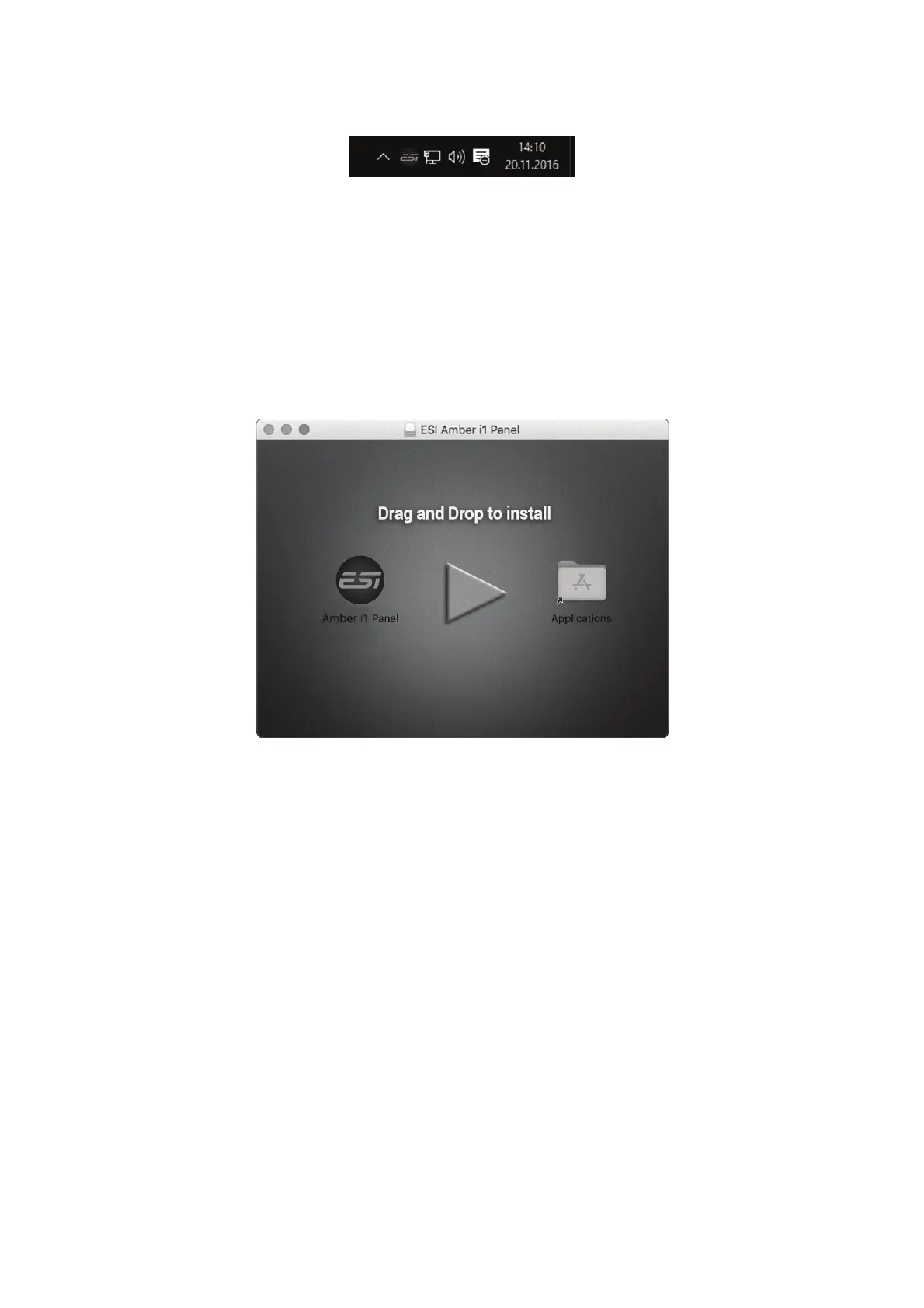
If you can see it, the driver installation has been completed successfully.
2.3.2 Installation under OS X / macOS
To use Amber i1 under OS X / macOS, you need to install the control panel software from the
download from our website. This procedure is basically the same for all the different versions of OS
X / macOS.
The control panel gets installed by double clicking on the .dmg file and then you will get the following
window in Finder:
To install the Amber i1 Panel, click and drag it with your mouse to the left to Applications. This will
install it into your Applications folder.
Controlling some of the basic options of Amber i1 under OS X / macOS can be done via the Audio
MIDI Setup utility from Apple (from the folder Applications > Utilities), however the main functions
are controlled by our dedicated control panel application that has now been placed into your
Applications folder.



 To Next Page