16
Partial Lockout 3
This mode allows the installer to set the Maximum
temperature Setpoint (factory default 21°c), and locks
all keys/slider except, to change the time and date, off
(frost protection) and allow temporary manual override
(temperature Up/Down arrows).
Partial Lockout 4
This mode allows the installer to set the Maximum
temperature Setpoint (factory default 21°c), and locks
all keys/slider except from off (frost protection) and
allow temporary manual override (temperature Up/
Down arrows).
Full Lockout 5
This mode locks all keys/slider. The End user cannot
adjust anything.
4. To exit the Installer Menu, press the Home Button.
N.B. *Temperature can be adjusted up to the installer
set limits.
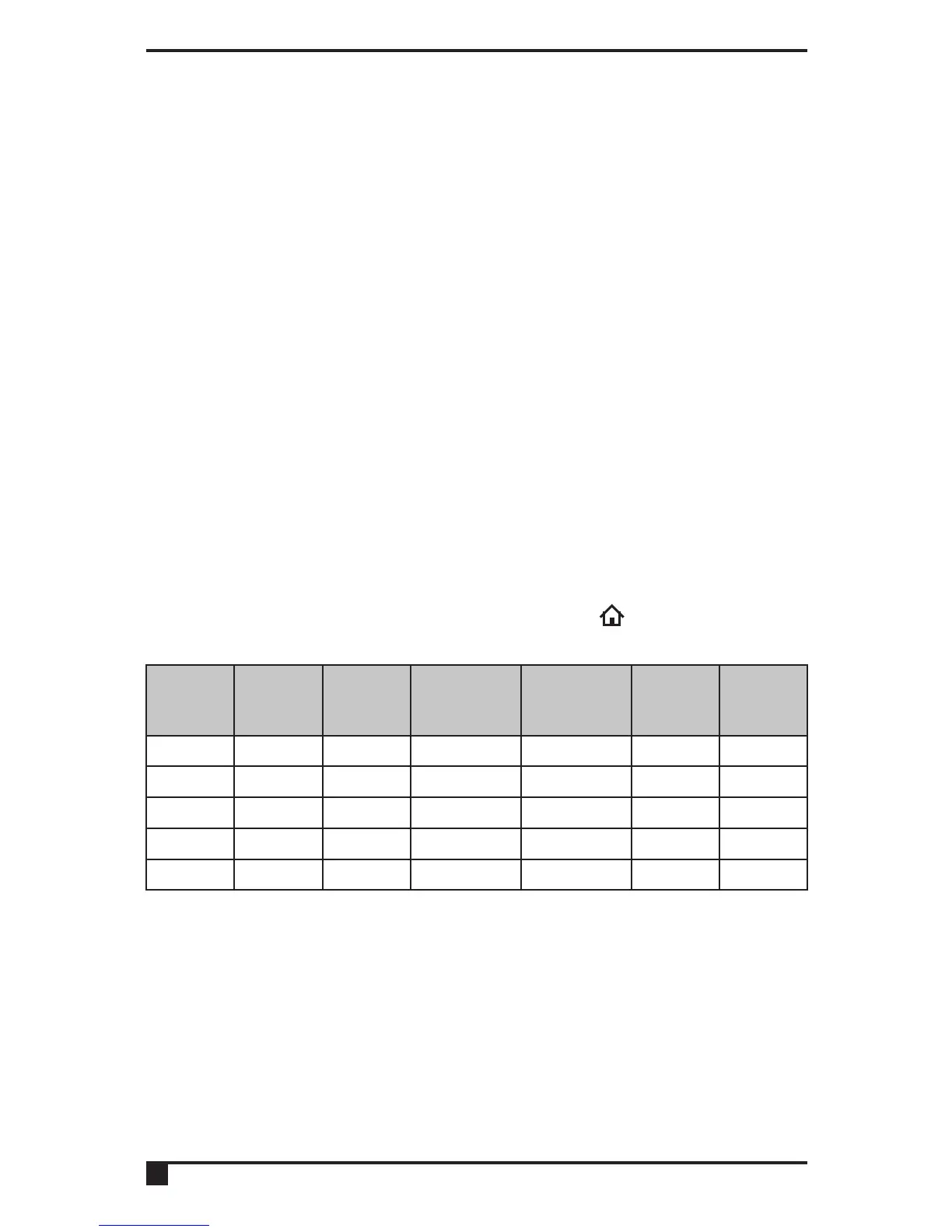
Number
Time /
Date
Program
Permanent
Manual
Override
Temp
Manual
Override
All Day Holiday
1
✓ ✓ ✓ ✓ ✓ ✓
2
✓ ✓
✓* ✓* ✓* ✓*
3
✓ ✗ ✗
✓*
✗ ✗
4
✗ ✗ ✗
✓*
✗ ✗
5
✗ ✗ ✗ ✗ ✗ ✗



 To Next Page