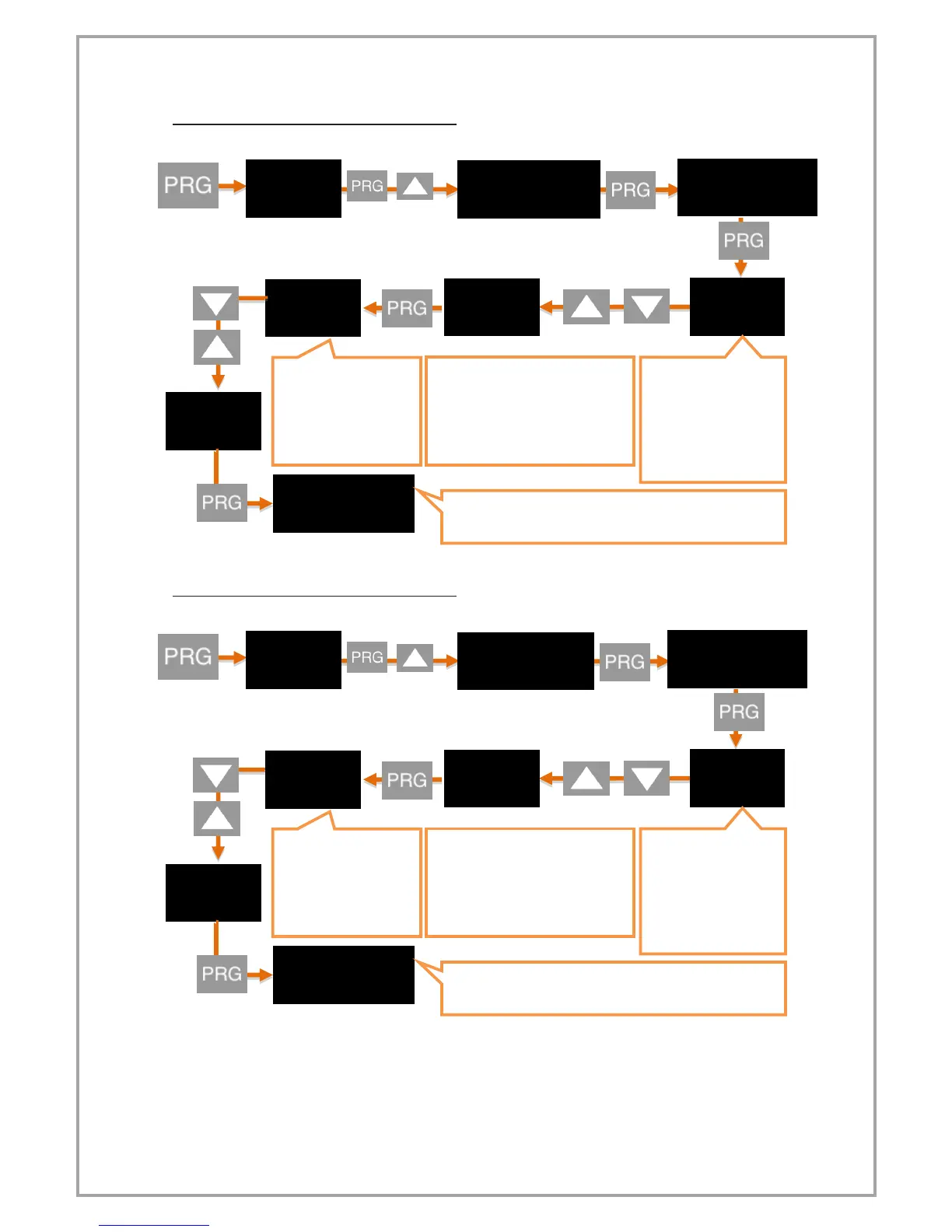
3. Set the SET-3 value for Relay output:
4. Set the SET-4 value for Relay output:
The decimal point
starts flashing. Use the
UP and DOWN keys to
select the decimal
point.
Press and hold the UP and DOWN
keys to move to the next step. To
enter a negative (-) value, press
the DOWN key to come to one of
the non-digitized steps.
When PRG key is
pressed and entered,
the value input screen
opens. Enter the
desired value using
the UP and DOWN
keys.
The new S-LO value you confirmed with the PRG key has
been set. Press UP to move to S-HI.
.
The decimal point
starts flashing. Use the
UP and DOWN keys to
select the decimal
point.
Press and hold the UP and DOWN
keys to move to the next step. To
enter a negative (-) value, press
the DOWN key to come to one of
the non-digitized steps.
When PRG key is
pressed and entered,
the value input screen
opens. Enter the
desired value using
the UP and DOWN
keys.
The new S-LO value you confirmed with the PRG key has
been set. Press UP to move to S-HI.


 To Next Page