13
Basic operation (1)
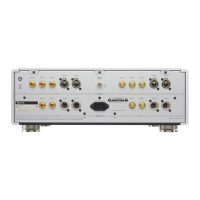
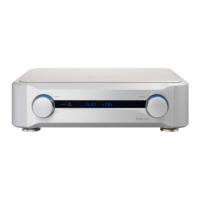
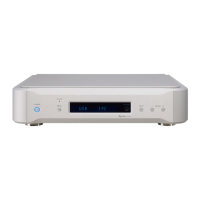
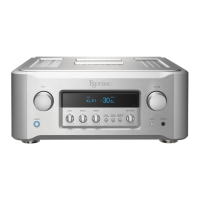
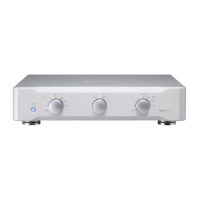
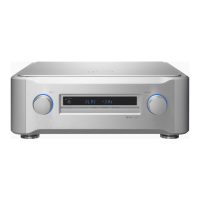
These illustrations are of the C-02.
Turning the power on
1
Turn on the power of the connected input source
devices.
2
Press the POWER button to turn the unit on.
The indicator lights blue.
0 Turn on the power of the power amplifier after turning on this
unit.
3
Turn the INPUT knob to select an input source.
4
Play the source, and then adjust the volume by turn-
ing the VOLUME knob.
V
Sudden loud noises might cause hearing damage
and other trouble. Always minimize the volume
before starting playback, and adjust it to an appro-
priate level after playback begins.


 To Next Page