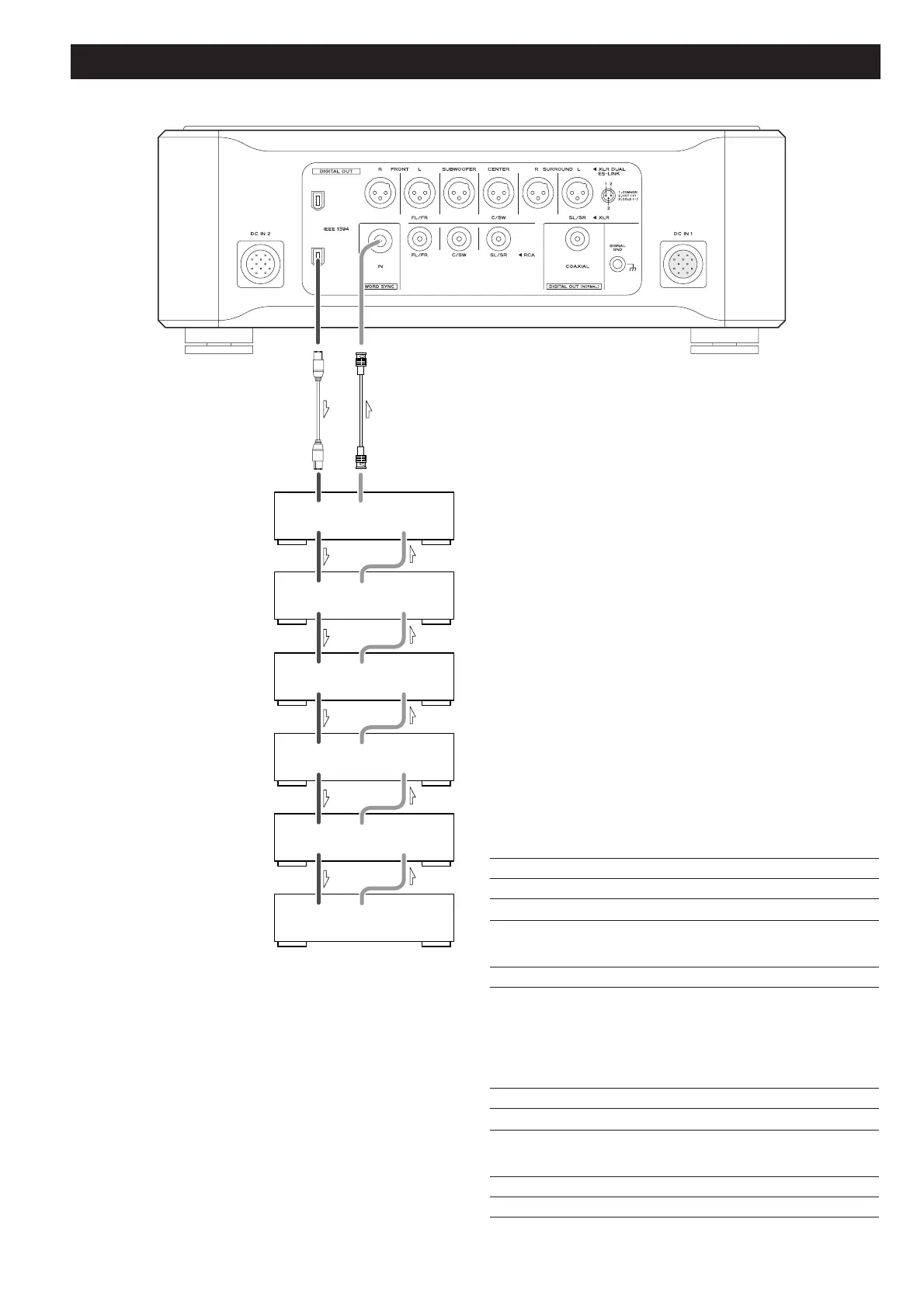
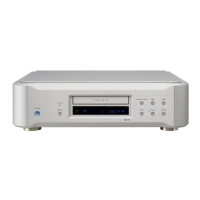
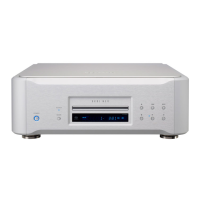
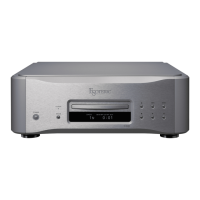
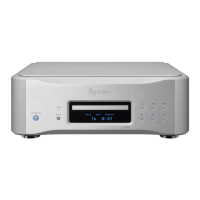
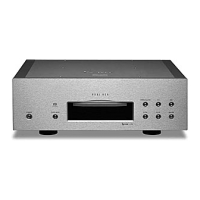
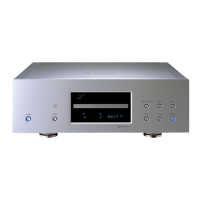
Six D-01 units are required in order to play multi-channel
SACD layers on Hybrid discs without mixing them down to
stereo.
When connecting two D-01 units, connect either IEEE 1394
terminal on the P-01 to the same labeled terminal on the D-01.
In addition, connect the remaining IEEE 1394 terminal on the D-
01 to the same labeled terminal on the next D-01.
If you are using six D-01 units, daisy-chain all the remaining units
in a similar way (in random order).
For the word sync terminals, connect them as shown (in random
order).
When connecting the clock generator G-0s, connect the six
WORD CLOCK OUT terminals to the WORD CLOCK IN on each
unit, and connect the UNIVERSAL CLOCK OUT on the G-0s to
the WORD SYNC IN on the P-01.
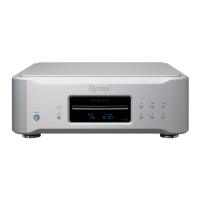
Setting of the P-01
OUTPUT button “IEEE 1394”
WORD button
“IN” (When the G-0s is connected, “Rb IN”)
UP CONVERT button
“176.4/192”
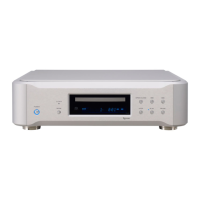
Setting of the D-01
INPUT button “IEEE 1394”
WORD button One of the D-01 that outputs word
synchronization signals: “OUT”
The others: “IN”
When the G-0s is connected, set all the
D-01 to “Rb IN”.
W_OUT setting “176.4”
CH_SEL setting respective channels
Setting of the G-0s
Frequency change button (A, B or C) 176.4kHz
FREQUENCY MODE button 44.1kHz
BNC coaxial cable
IEEE 1394 cable


 To Next Page