11
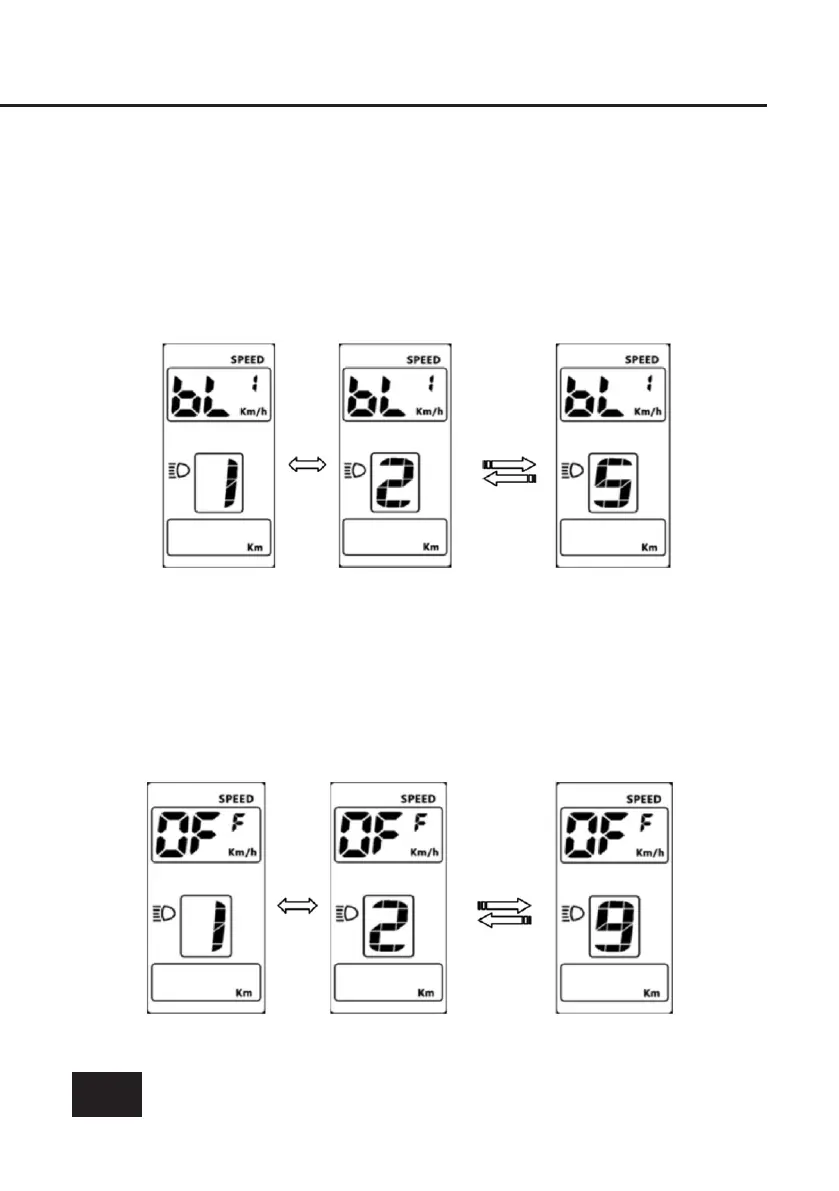
Display brightness
The conguration code is [bL1], press [+/-] button to change
brightness of the display. display brightness level ranges from 1-5.
Automatic time-off
The conguration code is [OFF], press [+/-] button to change the
value from 1-9, the numbers represent delay time (minutes) before
display shuts down automatically. Default value is set at 5 minutes.



 To Next Page