Tips:
Please do not exit the QR code page during the network provisioning.
Make sure you connect the device to 2.4 GHz Wi-Fi instead of 5 GHz, and enter the correct Wi-Fi
password. If the Wi-Fi password is incorrect, the prompt "Wi-Fi Authentication failed" will pop up.
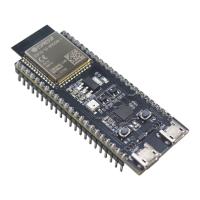
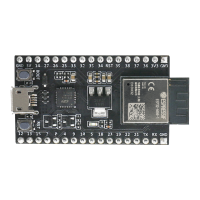
Long press the Boot button (i.e. Funtion button) for 5 seconds to clear the network information
and restore"the device to factory"settings. After the device is reset, if the QR code or Bluetooth is not
working, please restart your device by pressing the Reset button.
2. Customize Voice Commands
2.1. Select the ESP-BOX device icon and access the screen displayed below. You can conveniently turn the
light on or off by simply toggling the button, as indicated in the image. You may need to develop the Fan
and Switch functionalities by yourself.
19


 To Next Page
 Loading...