0~9995 0.0 ±5
1.When display is 0, Calories will count
up.
2.When Calories is 5~9995,
it will count down to 0.
Watt 40~250 100 ±5
User can set watt value only in Watt
control program.
Age 10~99 30 ±1
Target HR will be based on Age. When
Heart Rate exceeds Target H.R, the
number of Heart Rate will flash.
Pulse 60~220 90 ±1
Setting Parameters for Target heart
rate.
Program Operation
Manual
(
((
(
P1
)
))
)
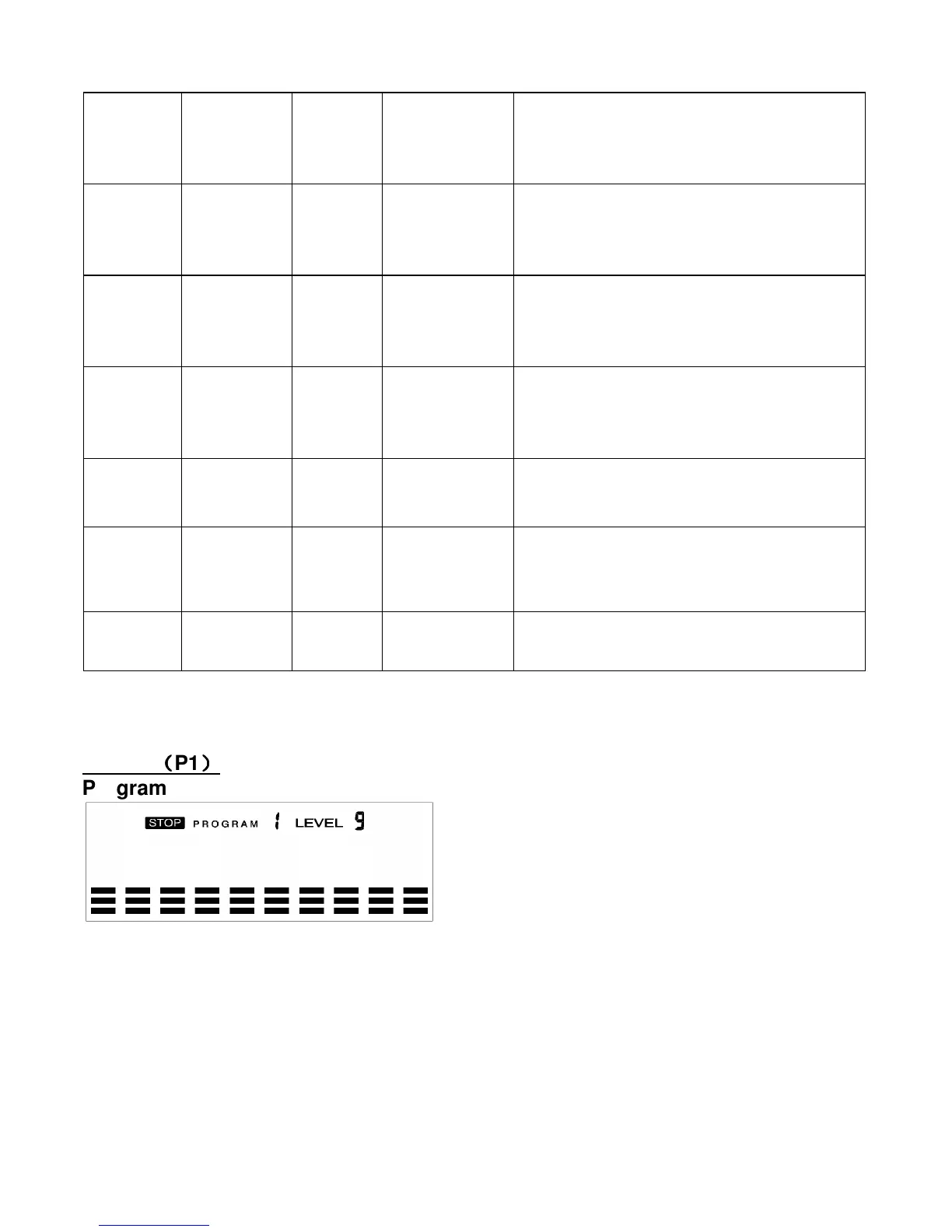
Program profile
Select “Manual ” using UP OR DOWN KEY then press ENTER KEY. 1
St
parameter, “Time”
will flash so value can be adjusted using UP OR DOWN KEY .Press ENTER KEY to save
value & move to next parameter to be adjusted.
**(If user sets up the target time to workout then the next parameter of Distance can
not be adjusted) Continue through all desired parameters, pressing START/STOP to start
workout.
Note: When any One of the workout parameters counts down to zero the console emits a
beep sound and the workout stops automatically. Press START KEY to continue the
workout to reach the unfinished workout goals set.


 To Next Page