22
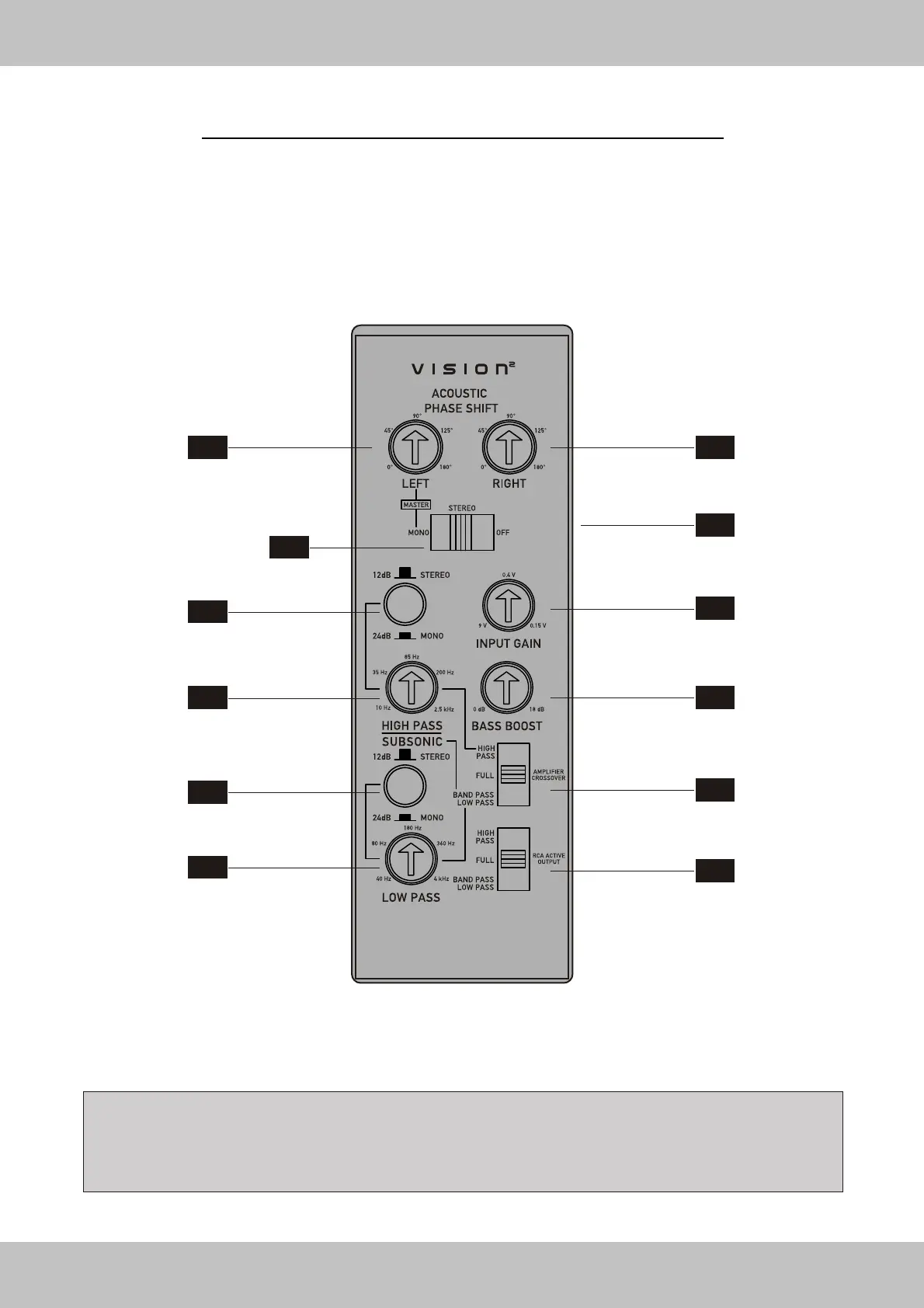
FUNCTIONS & CONTROLS TOP-PANEL
2-Channel Amplifier VE1000.2 / VE1800.2
T1
T3
T5
T7
T9
T11
T2
T4
T6
T8
T10
T12
NOTE: If the amplifier's top-panel is white illuminated, the amplifier is in power mode. If the display is red illuminated,
the protection mode of the amplifier is activated caused by a malfunction (See page 33)
CAUSES: Overheating, short circuit on the speakers, overload (caused by low-impedance or low-power) or damage .


 To Next Page