9
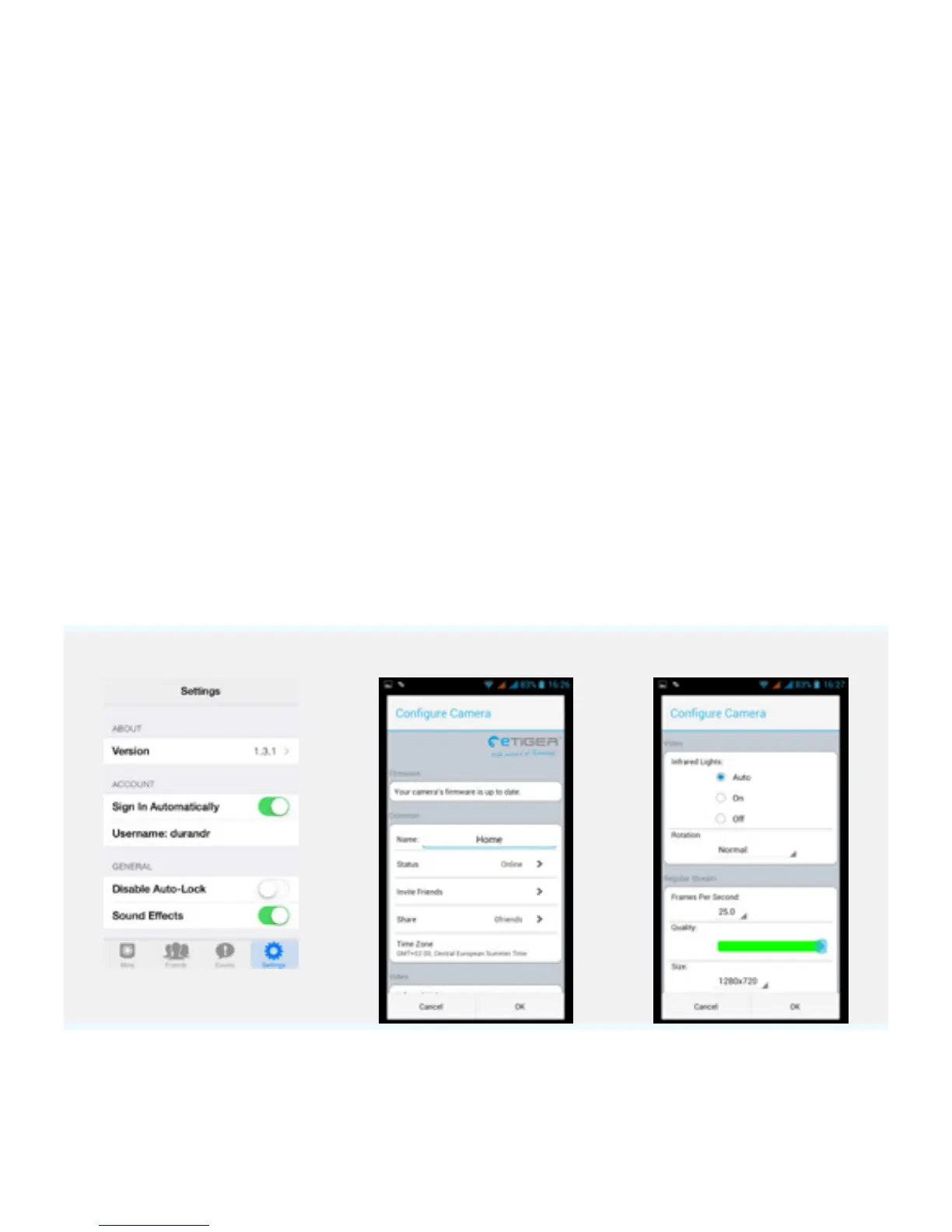
Conguration of iSecurity+
Name
Rename your camera
Share
Share your camera with your friends
using your web browser
Status
Change the status of your camera to
appear online, oine, or in private.
Rotation
Normal or reverse view
IR
Set up the infrared LEDs
Picture frequency
Up to 25fps
Quality
1~ 5 (5 being the highest quality)
Video size
320x180, 640x360, or 1280x720
Microphone
Activate / deactivate the
microphone
iOS Android Android


 To Next Page