Disable the security of your control panel’s SIM card
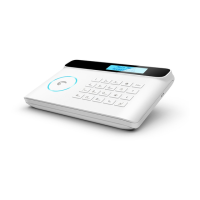
The control panel of the Security Kit can interact with you
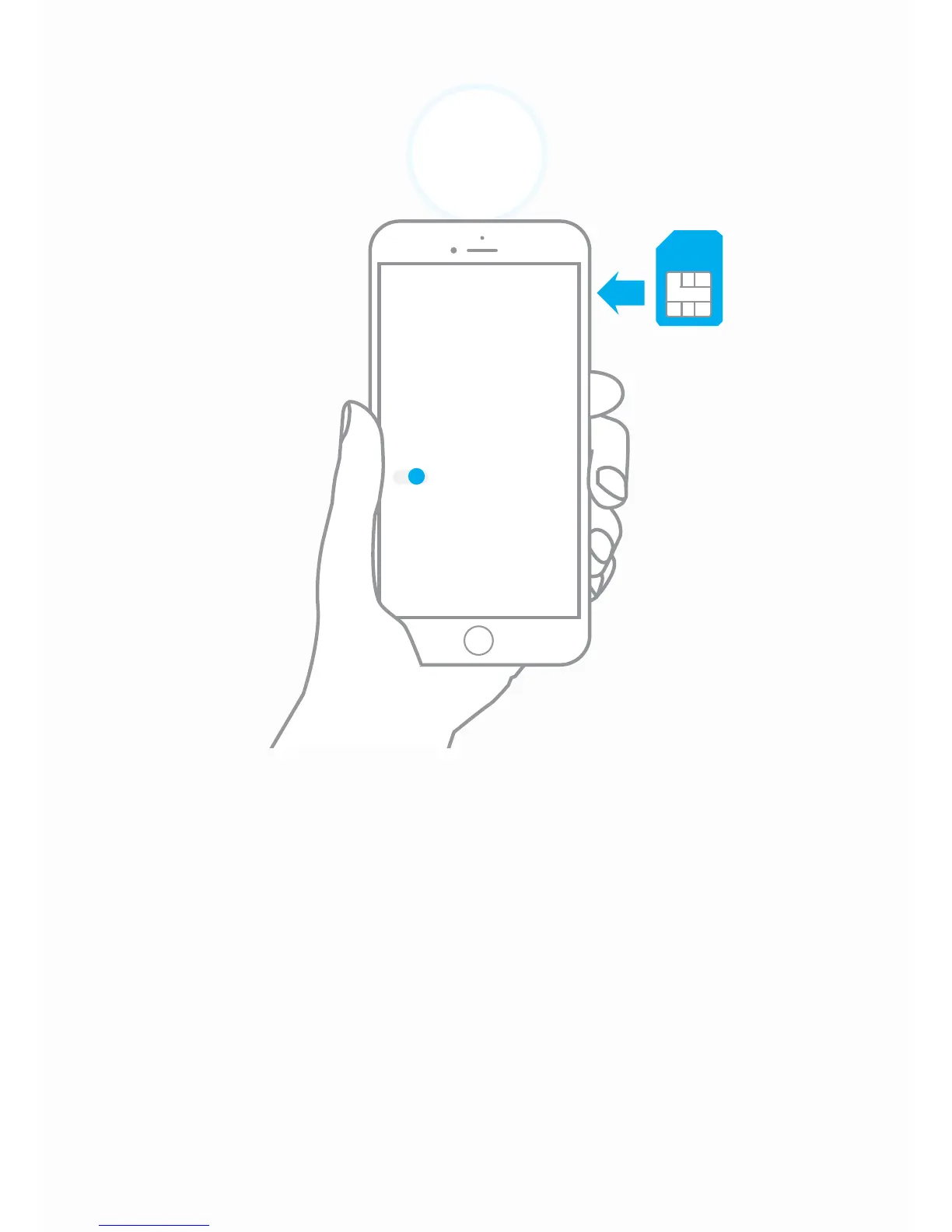
thanks to a SIM card (sold separately). Before inserting your
SIM card in the control panel, make sure the SIM security is
o. To do so, insert the SIM card in a mobile phone, browse
the settings of the phone and disable the SIM security (if the
SIM security is activated, the PIN code will be required).
A piece of advice
For your control panel’s SIM card, we advise you to choose a
plan with unlimited text and 1 or 2 hours of call.
2
Settings
SIM PIN
Request a PIN code to
unlock the phone.
O
This step only applies if you are using your system with a SIM card.
Control panel’s
SIM card


 To Next Page