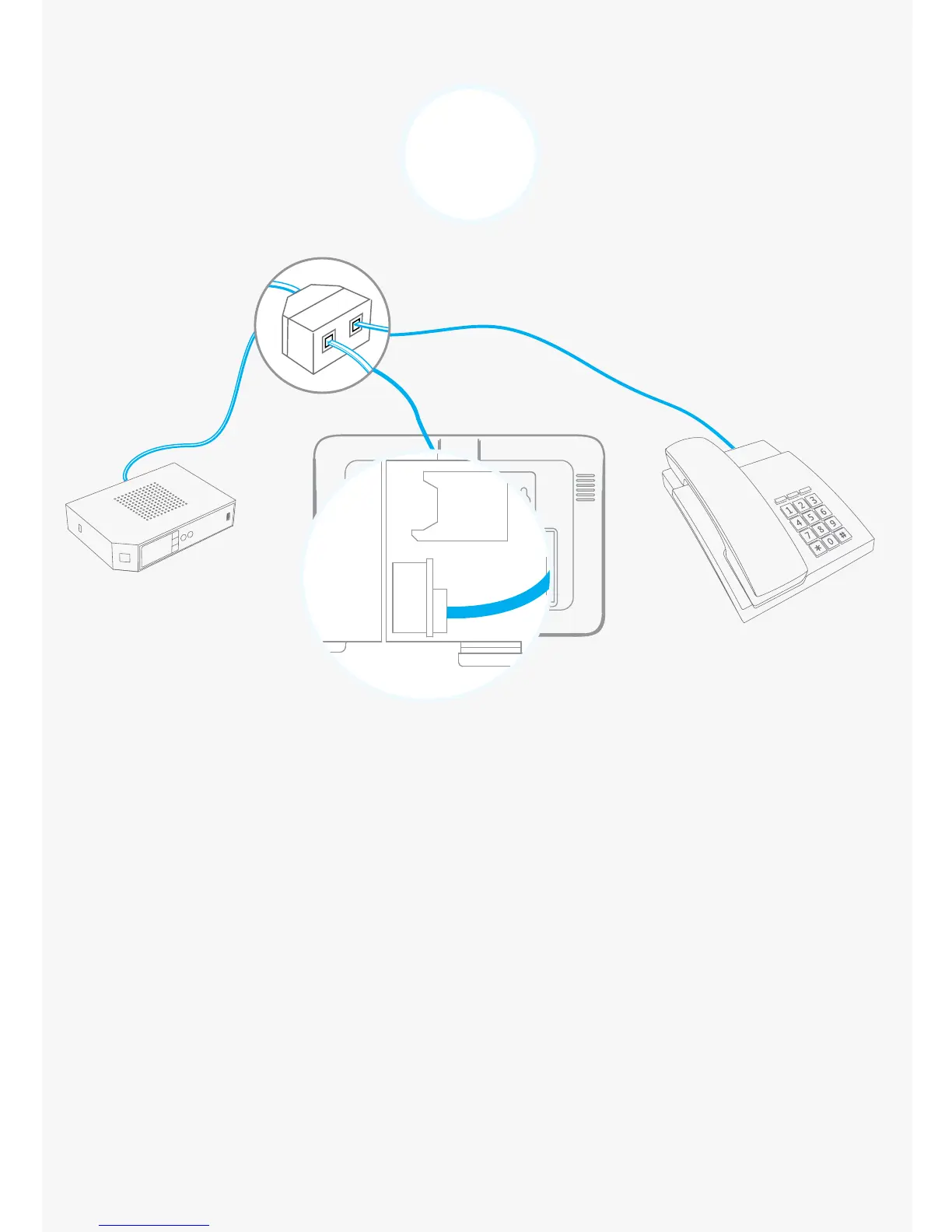
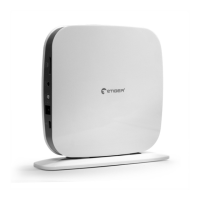
Connect the control panel to your landline
1. Connect the smaller connector of the telephone cable
(supplied in your kit) to the landline interface in the battery
compartment at the back of the control panel.
2. Connect the other end of the telephone cable to the your
landline socket or to the phone connector of your ADSL box.
4
This step only applies if you wish to connect your system to a landline.


 To Next Page