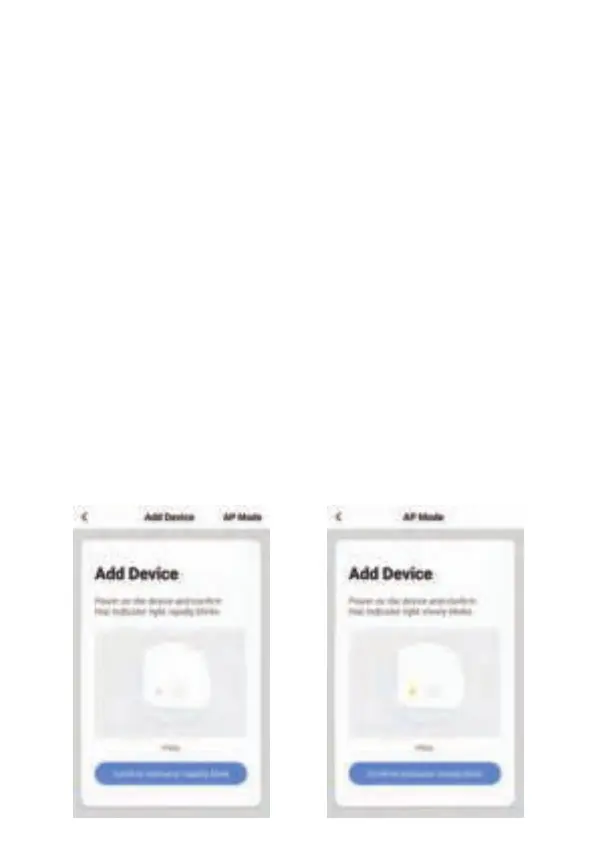
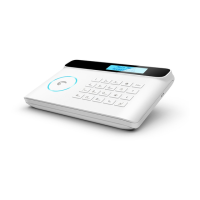
7.2 To connect in AP mode
Step 1. Enter Wi-Fi AP Mode: User code1234 + connection button
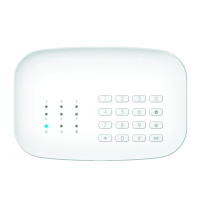
Ensure the system is disarmed, the Blue LED is OFF. After enter Wi-Fi AP
mode, the Wi-Fi white LED start fast blinks, now your alarm is ready for
network setting.
Step 2. Choose the device which will be add
choose “Add Manually”→”Others”→”Wi-Fi Connector” in the APP.
Step 3. Choose ‘AP Mode’
Step 4. Set the Wi-Fi network which will be connect
Enter Wi-Fi password of the router which the alarm will be connect to.
Step 5. Connect the phone’s Wi-Fi to the device’s hotspot
In phone’s WLAN list, choose ‘SmartLife_xxxx’ and connect. After
connected, return back to the APP, waiting for about 20 seconds to get
a response.
Step 6. Now you can set the alarm name to complete the
connection
Choose AP Mode AP Mode


 To Next Page