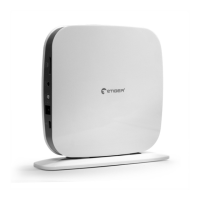
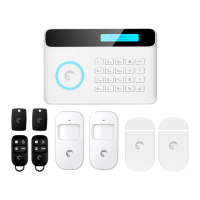
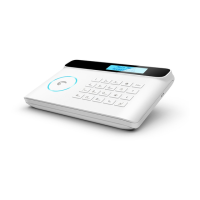
If the alarm is triggered, your control panel immediately starts to
inform you:
If your alarm is triggered
At home
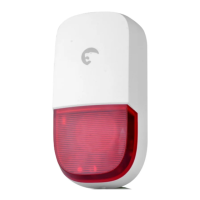
- The built-in siren starts ringing out.
- If you have connected additional sirens, they start ringing out too.
On your smartphone(if your alarm is connected to your Wi-Fi
network)
- You receive a push notification in the etigerhome app (you must have
an Internet access on your smartphone).
14 Control by phone call
This function enables you to control your alarm system by phone
call. This can especially be helpful if you are located in an area
without Wi-Fi or 3G/4G coverage.
This function applies only if you are using the Alarm system with a
SIM card.
Table 1
Dial
1
0
*
3
6
9
#
Command
Arms the system
- Disarms the system and turns the siren off
- Stops monitoring without hanging up
Audio monitoring
Two-way talk
Turns the siren off
Turns the siren on
Disarms the system, turns the siren off and ends the
phone call
How it works
1. Call the phone number of the SIM card in the control panel.
2. The control panel picks up: type your 4-digit passcode, followed
by “#” (Default passcode: 1234).
3. A voice prompt confirms if your code is correct.
4. On your phone, dial the code corresponding to the command:


 To Next Page