EN 6
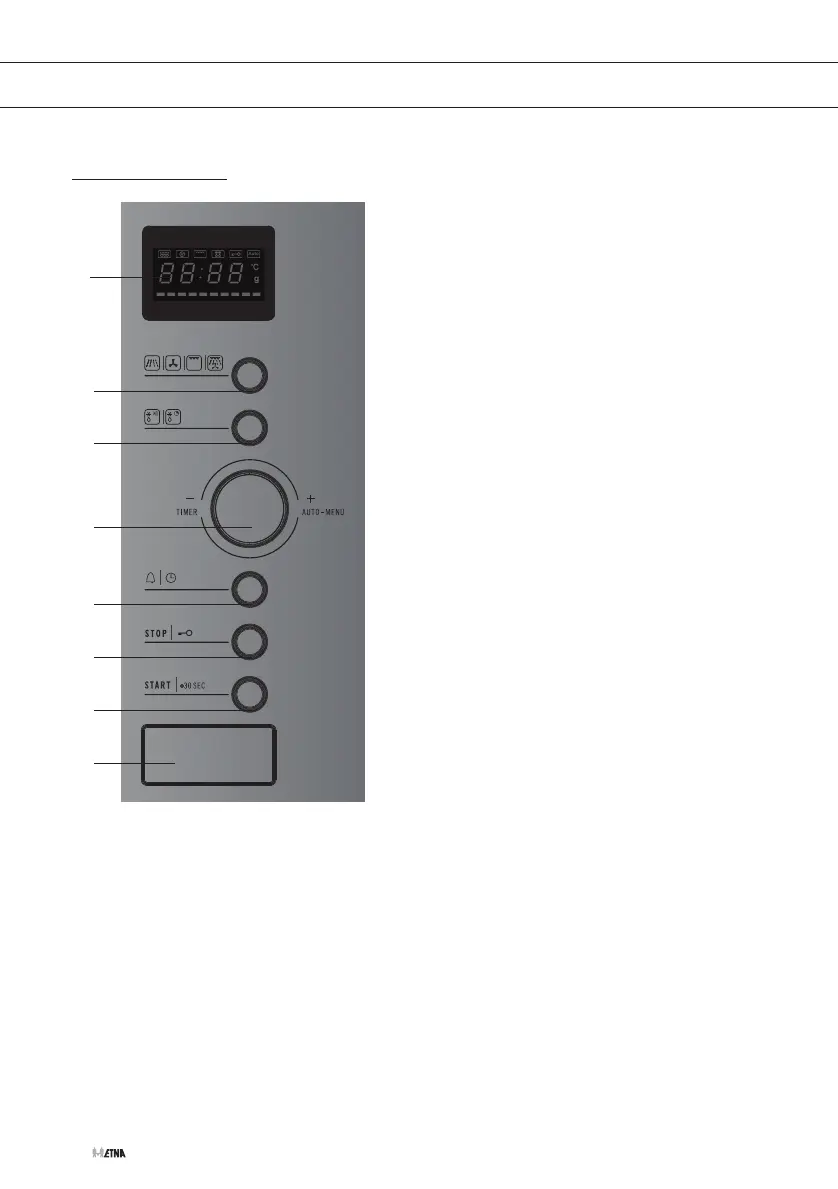
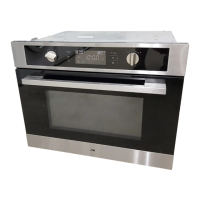
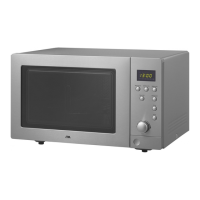
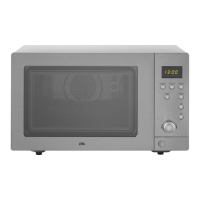
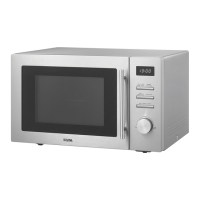
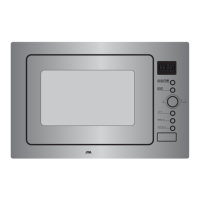
Control panel
1. Display
2. Function button (microwave/
oven (hot air)/grill/combi)
3. Defrost button
4. Control dial (to turn the dial more easily,
you can first depress the dial; the dial
will then protrude outwards more)
5. Kitchen timer button/timer button
6. Stop button/Child lock
7. Start button/Quick start/Confirm
8. Door release
YOUr cOmbI-mIcrOWAVE
Auto
1
7
6
5
3
2
4
8


 To Next Page