EN 20
cONtrOlS
A double-beep signal indicates when the oven is at temperature.
Place the cake in the microwave and press the start button.
Child lock
You can 'lock' your combi-microwave so that starting the combi-
microwave is no longer possible.
Please note: the child lock can only be switched on if the combi-
microwave is not switched on. The current time is visible in the
display.
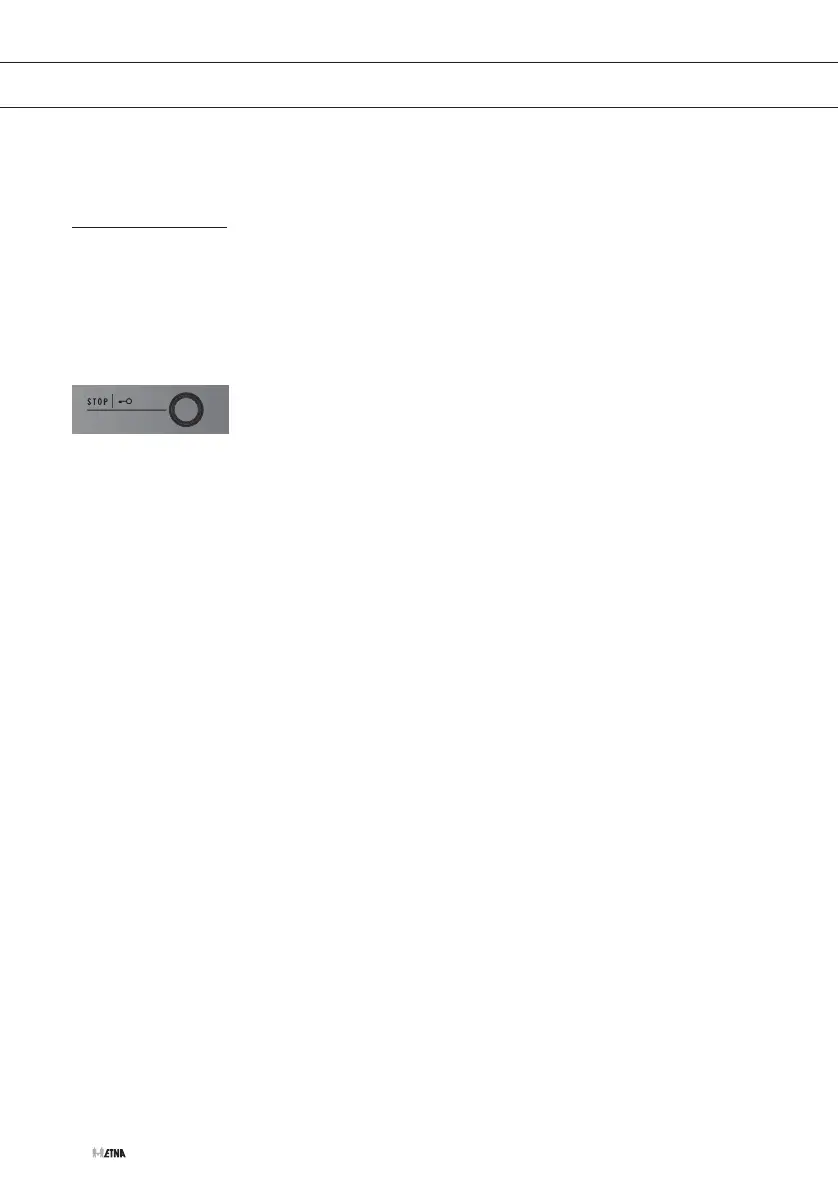
1. Press on the stop button for 3 seconds.
A beep sounds and the child lock symbol appears in the display.
The child lock is activated.
2. Press again for 3 seconds on the stop button to switch off the
child lock again.
A beep sounds and the child lock symbol disappears from the
display.


 To Next Page