EN 7
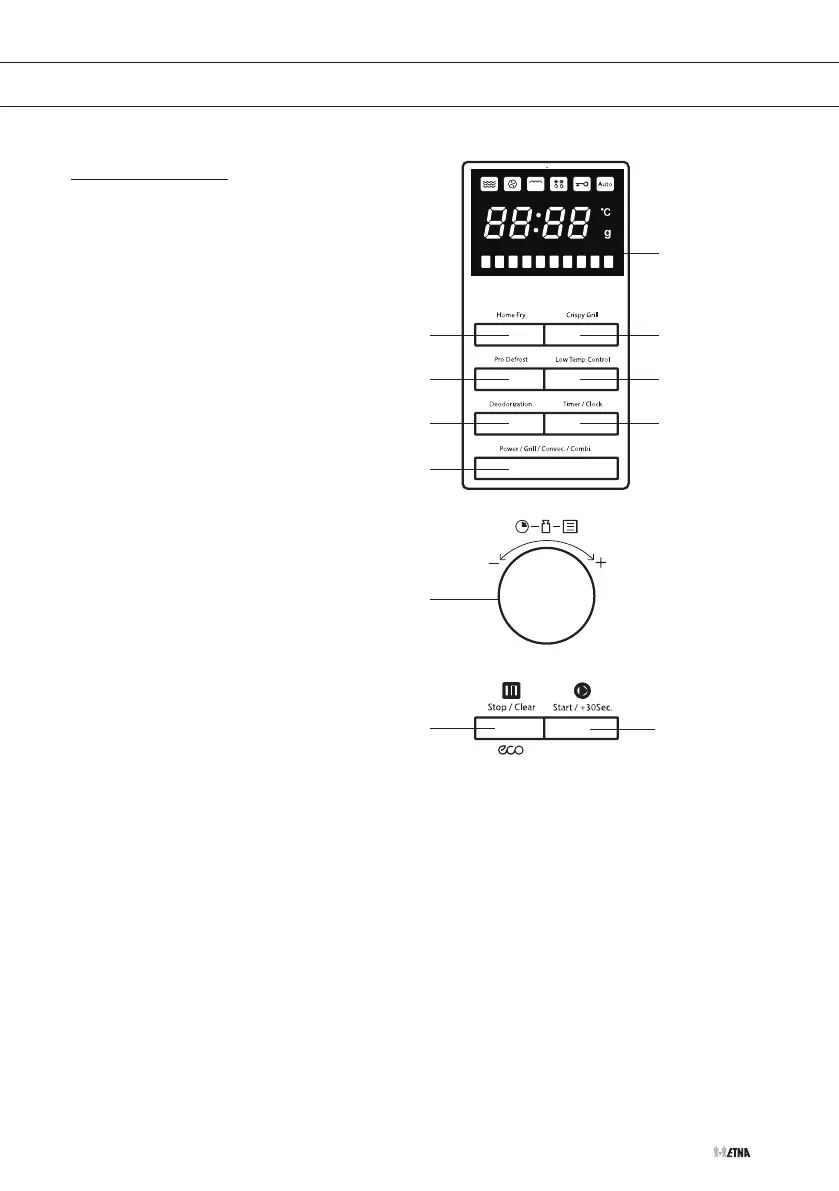
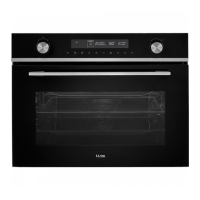
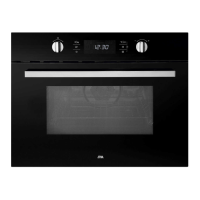
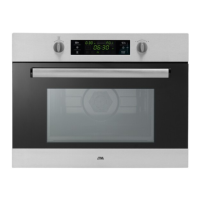
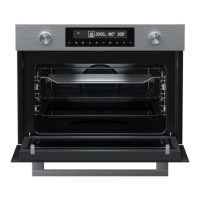
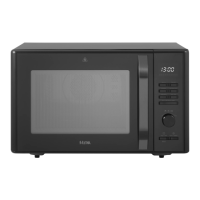
Control panel
1. Display with all symbols
2. Home Fry button
3. Crispy Grill button
4. Pro Defrost button
5. Low Temp Control button
6. Deodorization button
7. ‘Delayed start’ button / Clock button /
Defrost button
8. Power button
9. Adjust knob (Auto/Enter/Time/Weight)
10. Pause button / Stop button
11. Quick button / Start button
Power button
Press the button (several times) to set the power.
Delayed start button / Clock button / Defrost button
• Setting a delayed start.
• Setting the clock.
• Press the button one/two/three times to set defrost program d1/d2/d3.
Quick button / Start button
• Press the button once to start immediately for 1 minute with the highest power.
• After making a desired setting, press the button once to start the microwave with the setting
that has been made before.
1
3
5
10
7
11
8
2
4
6
9
YOUR MICROWAVE


 To Next Page