EN 13
Attention!
If the clock is not set, the time will not be shown.
While setting the clock, you can press the stop button to return to the previous mode.
Kitchen timer
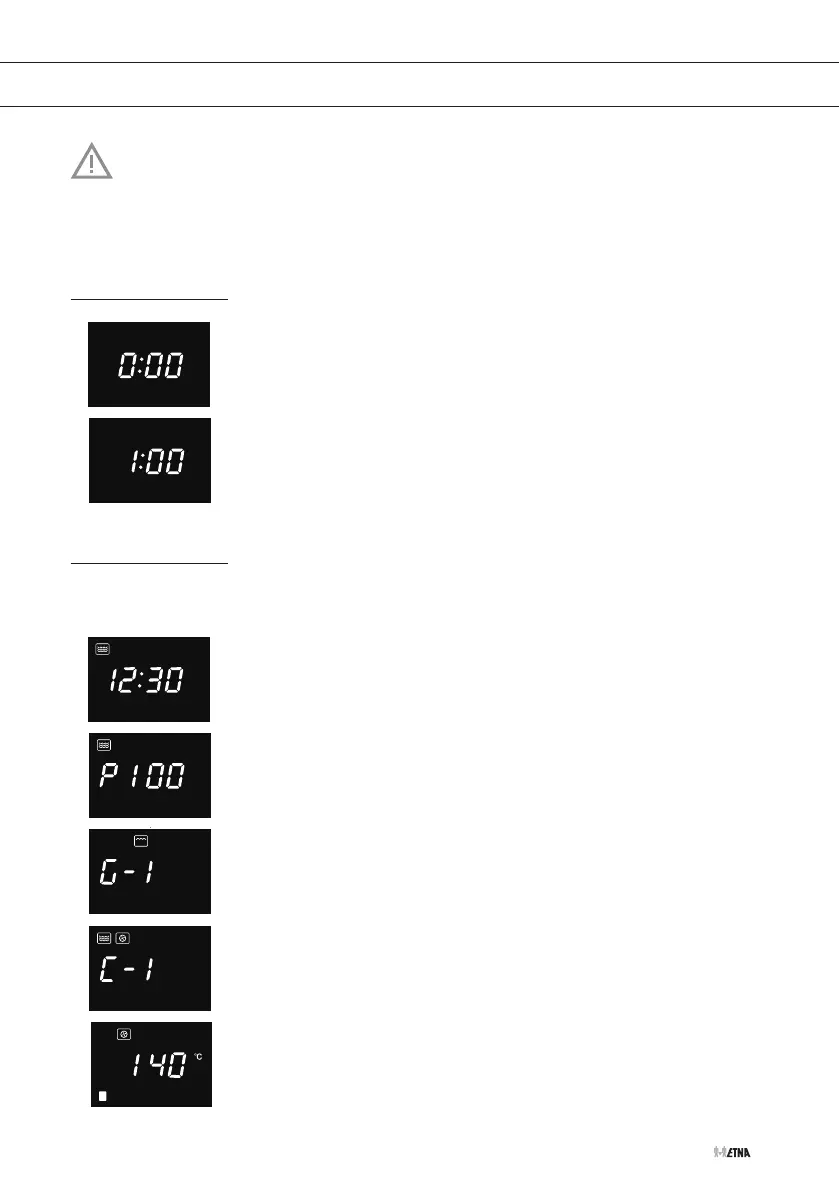
1. Press the clock button once
▷ ‘0:00’ is shown.
2. Turn the adjust knob to set the length of time (0:05 to 95:00).
3. Press the start button to confirm.
▷ When the time is reached, you hear 5 beeps.
▷ If the clock is set, the current time is shown.
Quick start
If you want to start the appliance immediately, without making any settings in advance:
1. Press the start button to start cooking at 100% power for 30
seconds. Each additional press increases the time by 30 seconds
(0:05 to 95:00).
OR
Press the power button repeatedly or turn the adjust knob to
select the function. Stop pressing/turning when the corresponding
function flashes:
▷ Microwave cooking: ‘P100’, ‘P80’, ‘P50’, ‘P30’, or ‘P10’
▷ Grill cooking: ‘G-1’
▷ Combination cooking: ‘C-1’, ‘C-2’, ‘C-3’, or ‘C-4’
▷ Convection cooking: ‘140’
OPERATION


 To Next Page