EN 14
DESCRIPTION OF THE APPLIANCE
Appliance
This user manual covers different models. It is possible that certain options or accessories do not
apply to your appliance.
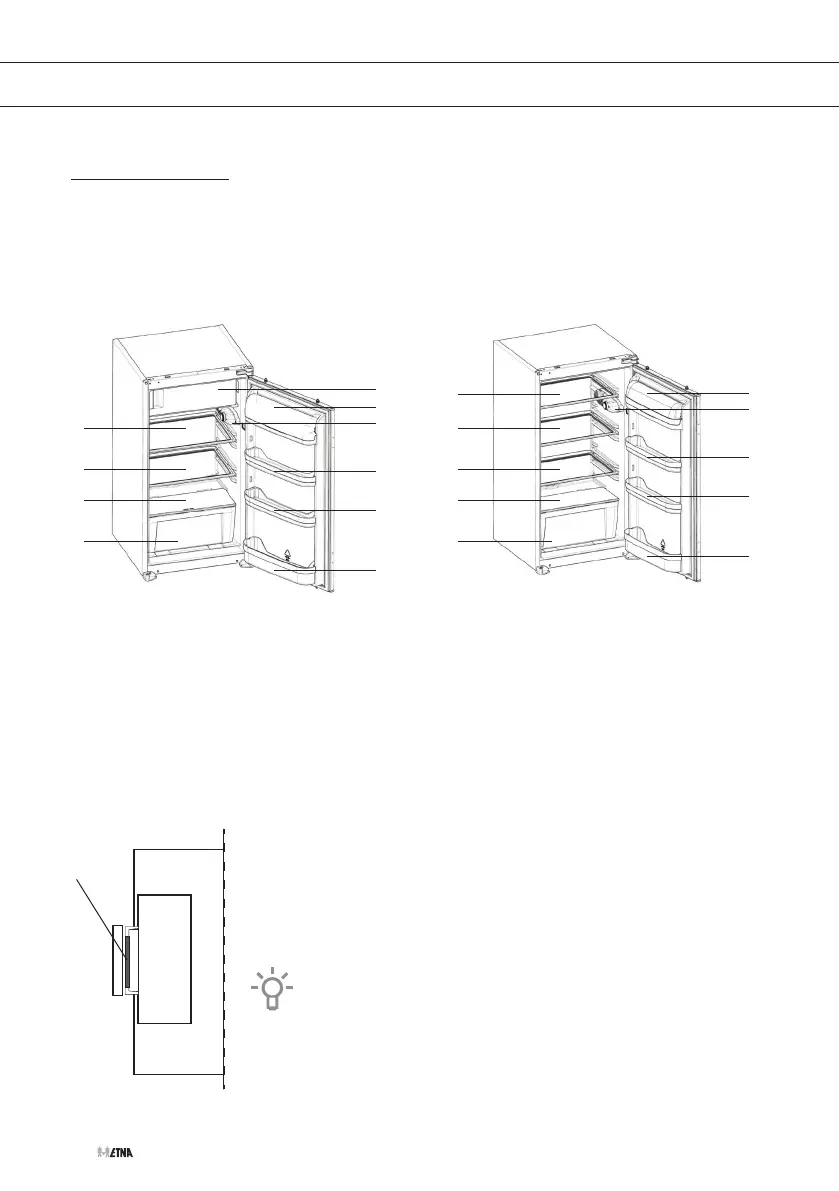
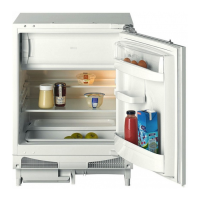
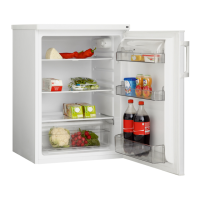
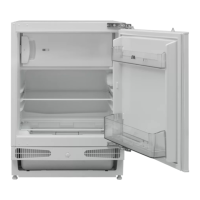
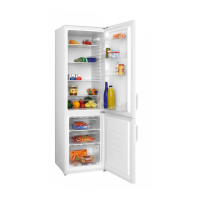
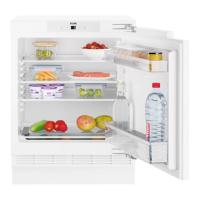
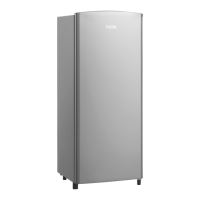
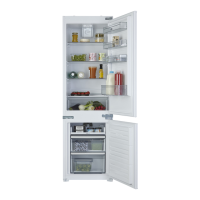
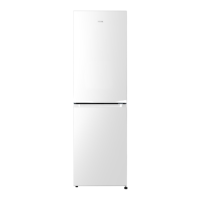
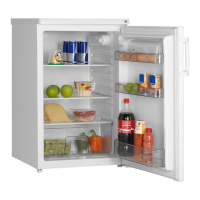
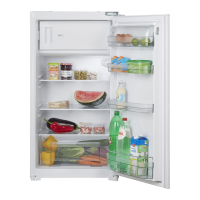
Model with freezer compartment Model without freezer compartment
1
1
1
1
2
4
4
4
4
5
1
1
1
2
4
3
4
4
4
5
1. Shelf
2. Vegetable drawer
3. Freezer compartment
4. Door compartment
▷ The bottom door compartment is suitable for bottles.
5. Thermostat, intensive freezing switch (if present) and interior lighting
Indication ‘Door open’
The indicator (A) at the end of the freezer door indicates if the door is
shut properly.
• Door not shut properly; indicator is visible.
• Door shut properly; indicator is not visible.
Always make sure that the freezer door is shut properly. This
prevents food in the freezer from defrosting and causing
excessive ice formation. It also prevents unnecessary energy
consumption.
A


 To Next Page