EasyManua.ls Logo

Eton FIELD BT - Tuning into MW (AM) Stations

Eton FIELD BT
21 pages
Print Icon
To Next Page IconTo Next Page
To Previous Page IconTo Previous Page
Loading...
FIELD
BT
OWNER'S
MANUAL
PTY/RT/DATA
in
cycle.
The~
icon
will
be
displayed
in
the
lower left
corner
of the
display
in
RDS
mode.
PS:
station
name,
when
no
station information, just
display
"NO
PS";
PTY:
program
category,
no
program,
just display"
NO
PTY"
RT:
Radio
text,
no
text, just
display
"NO
RT"
DATA:
Clock/Date/program
call
information, if
no
information, just
display
"NO
DATA".
If
the information
is
·
available,
the
display
format
is:
Station
call
Weekly
Month-Day-Year
Hour:Minute
Weekly
format:
"MON",
"TUE",
"WED"
"THU",
"FRI"
"SAT",
"SUN",
For
example,
the
LCD
will
roll
to
display
as
WGSS,
TUE
03-
25-2014
02:15,
TUNING
INTO
MW
(AM)
STATIONS
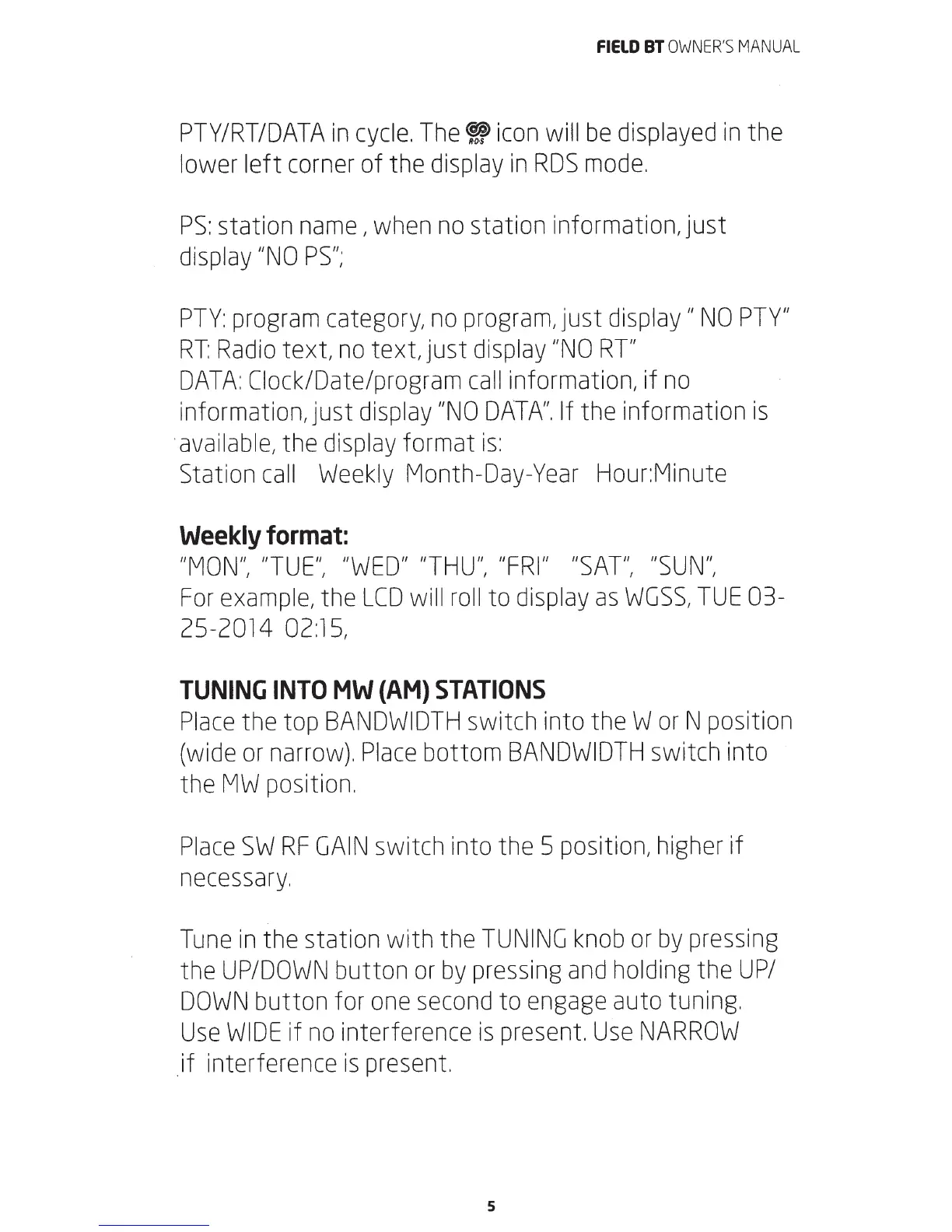
Place
the top
BANDWIDTH
switch into theW
or
N position
(wide
or
narrow).
Place
bottom
BANDWIDTH
switch into
the
MW
position.
Place
SW
RF
GAIN
switch into the 5 position,
higher
if
necessary.
Tune
in
the station with the
TUNING
knob
or
by
pressing
the
UP/DOWN
button
or
by
pressing
and
holding
the
UP/
DOWN
button for
one
second
to
engage
auto tuning.
Use
WIDE
if
no
interference
is
present
Use
NARROW
.if interference
is
present
5

Related product manuals