ZONEGUARD OWNER’S MANUAL
11
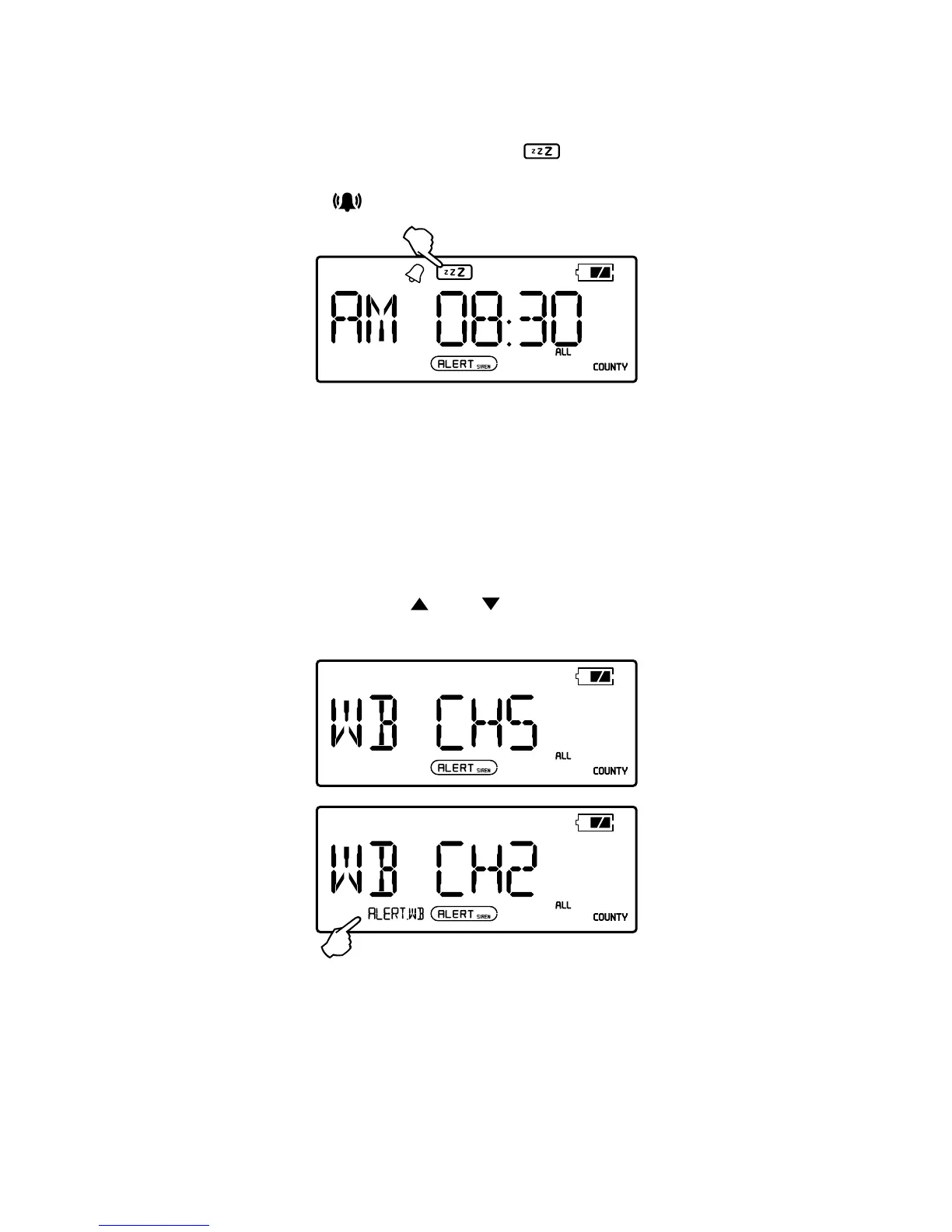
SNOOZE FUNCTION
When the alarm activates, press the <SNOOZE> button to
snooze for 5 minutes (the symbol <
> will appear in the
display). After 5 minutes, the unit will start to beep again.
Press the <
> button to turn off the Snooze function.
LISTEN TO WEATHER BAND
1. Turn on the radio, press <WB> button shortly to receive
the weather band. You can also press the <WB ALERT>
button (the rst button on the left side of the unit)
shortly to enter standby mode to receive weather band.
The symbol <ALERT.WB> appears in the display if the
unit is in standby mode.
2. Press the button <
> or < > to select the weather
station(CH1-CH7 is available).
WB ALERT: Receiving alert in silent, no sound when not
receiving any messages.


 To Next Page