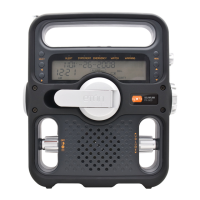
ZONEGUARD OWNER’S MANUAL
12
3. Once receiving the weather information, the
<Warning Light> will be on and you can receive the
weather message in the display. If you press <ALERT
ON/OFF> button shortly, the alarm beep will be off
but you can still receive the message in the display.
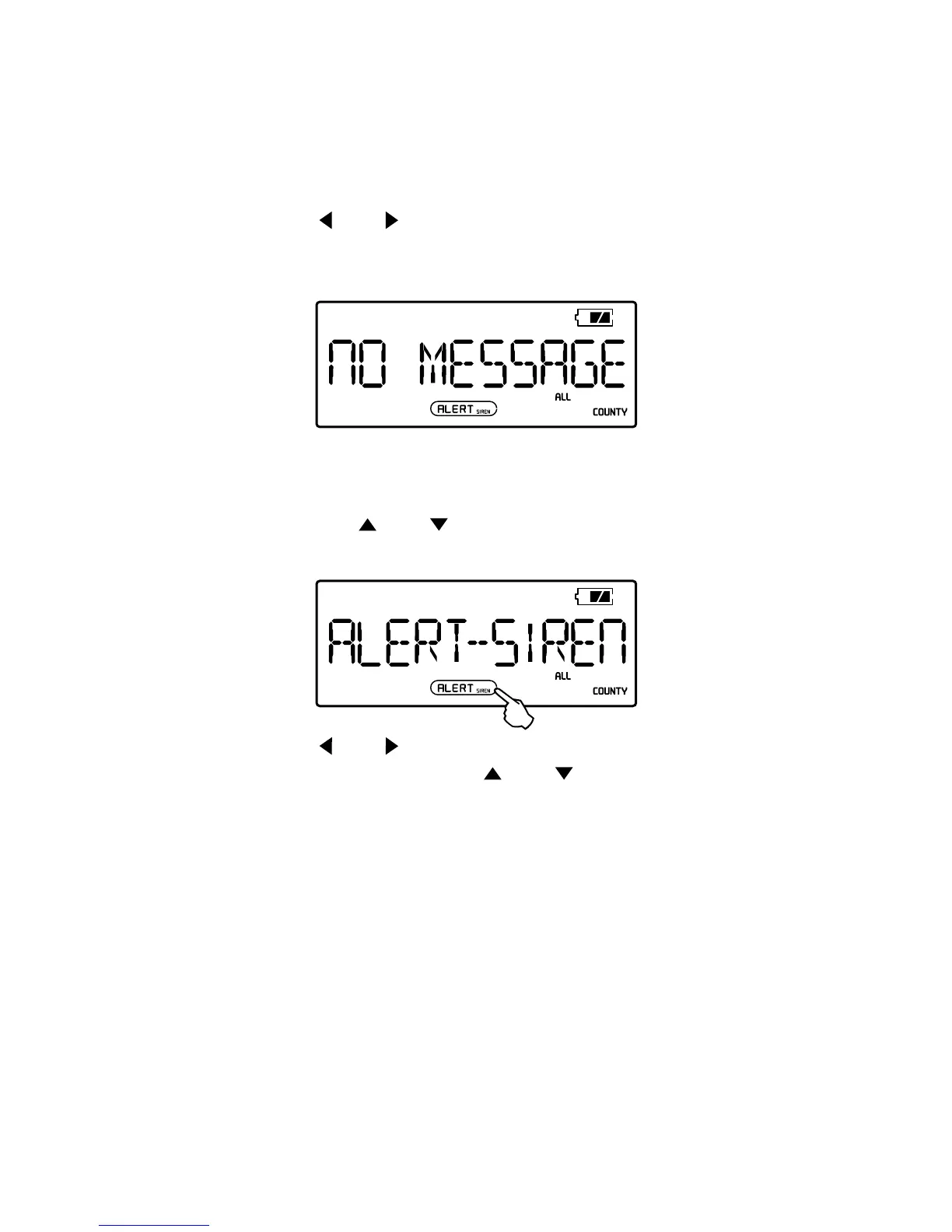
4. Press <
> or < > shortly, you can read the received
4 messages. If there are not any weather information,
the LCD will display <NO MESSAGE>.
SETTING ALERT
1. In radio off mode, press <MENU> button shortly and
then press <
> or < > to enter <ALERT – SIREN/
VOICE/DISPL> mode.
2. Press < > or < > button, when the <SIREN/VOICE/
DISPL> ashes, then press <
> or < > to select
<SIREN>, <VOICE> or <DISPL>.
3. Press the <MENU> button to conrm.
[VOICE]: The alarm beep will play about a few seconds
and the LCD will display the message.
[SIREN]: The alarm beep will play about 5 minutes and
the LCD will display the message.
[DISPL]: No alarm beep, just display the message in
the LCD when received a weather information.


 To Next Page