EasyManua.ls Logo

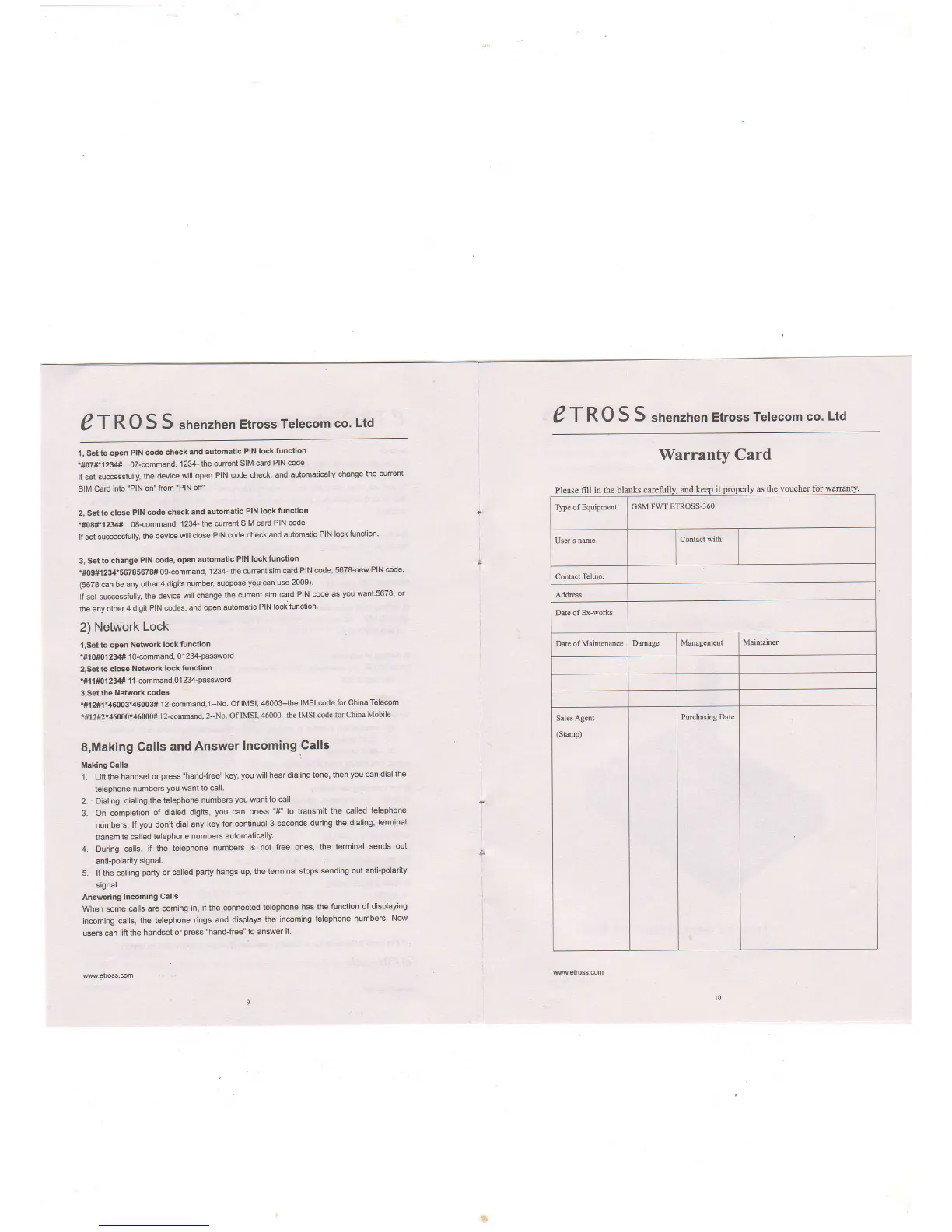
Etross ET-360 - PIN and Network Lock Configuration; PIN Code Check and Lock; Change SIM PIN; Network Lock Function

Etross ET-360
5 pages
Print Icon
To Previous Page IconTo Previous Page
Loading...
eT
RO
S S
shenzhen
Etross
Telecom
co.
Ltd
I
,
Sst to
open
PIN code
ch€ck
and automatic
PIN lock
function
"ff'1in1234*
o7-@mmand,
1234- the
curent SIM
€rd
PIN @de
lf set
su@sstully,
the devi@
will open
PIN @de
check,
and automati€lly
change
the curent
SIM
card into
"PlN on"
from
"PlN otr'
2, Set to
dcs PIN
code
check
ard automatic
PIN lock
tunction
.ffi8'F123{d#
O8-@mmand,
'1234-
the curent
SIM
@rd PIN
@de
lf set
su@sstully,
the
devi@
will close
PIN @de
check and
automatic
PIN
locktunction'
3, Set
to change
PIN @de,
open
automatic
PIN
lock function
.ff)g#l
234'557856?8#
ogsmmand,
| 234-
the @rent
sitir €td
PIN @de,
5678-new
PIN
@de
(5678
@n
be any
othq4
dlgits
number,
suppose
you
€n use
2009)'
lf
set
su@$fully,
the devi@
will change
the curreni
sim €rd
PIN @de
as
you
Mnt'5678'
or
the any
other4
digit
PIN @des,
and open
automatic
PIN
lock tunciion'
2) Network
Lock
t,Sgt
to open
Network
lock function
'#{(H}1234#'1o-@mmand,
01234-password
2,Set to
close Network
lock
function
'#ll#01234#
11smmand,0123+pasword
3,Set ths
Network
codes
.#12#1.46003'46003#
12@mmand,1-No
Of
lMSl, 46003-the
lMSl @de
for China
Tele@m
*#12#2*4(f/O0f&0W#
l2-co@d,
2-No.
Of IMSI,
46000--the
IMSI code
for China
Mobile
S,Making
Galls
and
Answer
Incoming
Galls
i
Maklng
Calls
1. Lifr the
hand*t
or
pre$ "hand-f@" key,
you
will hear dialing
tone,
then
you
@n dial the
telephone
numbeE
You
want
to €1..
2.
Dialing: dialing
the telephone
numbeB
you
wantto
€ll
3. On
@mpletion
of
diated digits,
you
€n
press
1#'
to tEnsmit
the €lled
telephone
numbeE.
lf
you
don't
dial any
key for @ntinual
3 *@nds
during
the dialing,
teminal
tEnsmits
€lled
telephone
numbeE
automati€lly.
4. During
€lls,
if the
telephone
numbeB
is not
free ones, the
ierminal
snds out
anti-polarity
signal.
5. lf the
€lling
pafiy
or €lled
party
hangs up,
the teminal
stops sending
out
anti-polarity
signal.
Answdng
In@ming
Calls
When sme
@lls are
@ming
in, if the
@nnected
talephone
has the
tunction of
displaying
in@ming
€lls,
the telephone
rings and displays
the
in@ming
telephone
numbeF
Now
useF can
lifr the
handset
or
pres
"hand-f@" to anwer
it.
!!w,elrc$.@m
eT
RO S S
shenzhen
Etross
Telecom
co.
Ltd
Warranty
Card
I
Pleoe
filI in the blmks

Related product manuals