20
Charging the Battery
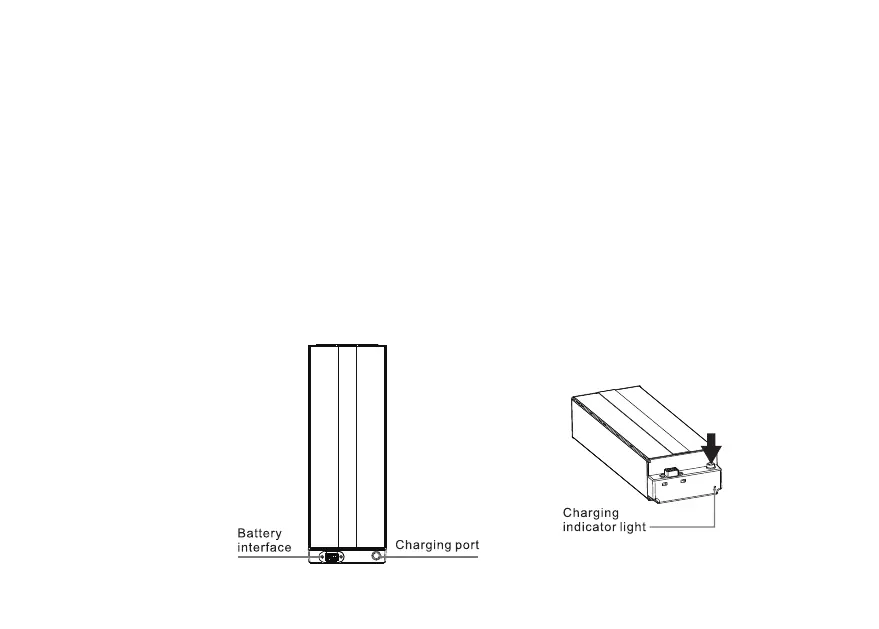
1. Open the dust cover on the battery charging stand.
2. Connect the DC plug of the charger to the battery charging socket.
3. Connect the AC plug of the charger to the AC power (100-240V,50/60Hz) socket, the red light on the
charger will light up, start charging, and the indicator will turn green when the charging is completed.
Tip: When the battery is charged separately, the charging status can be viewed on the charging indicator
on the battery. It displays red color when charging and green color after fully charged.
Charging method 1:



 To Next Page