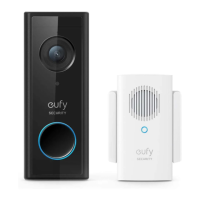
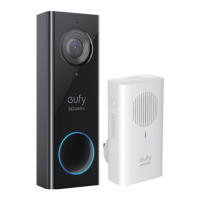
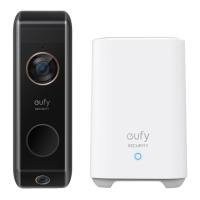
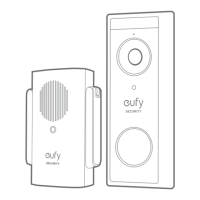
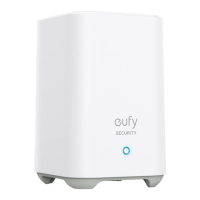
Need help?
Do you have a question about the eufy Security T8740 and is the answer not in the manual?
Instructions for attaching the power connector to the chime.
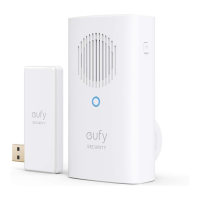
Connect the chime to a wall outlet for power.
Connect the USB dongle to the HomeBase 2.
Guide for pairing the chime with the doorbell via the app.
Customize chime sound and volume levels using side buttons.
Steps to detach and reattach the power connector.
States compliance with European Community radio interference requirements.
Details on maximum permissible exposure and recommended distance.
Explains compliance with FCC Part 15 rules for interference.
Specifies general RF exposure requirements and minimum separation distance.
Details compliance with Industry Canada licence-exempt RSS standard.
Details limited warranty terms and conditions.
Provides phone numbers for customer support in various regions.
Offers email support channels for customer assistance.
 General
| Product Name | eufy Security T8740 |
|---|---|
| Category | Accessories |
| Connectivity | Wireless |
| Power Source | Battery |
| Battery Type | Lithium-ion |
| Volume Control | Yes |
| Melody Options | Multiple |
| Brand | eufy Security |
| Model | T8740 |
| Wireless Protocol | Wi-Fi |
| Operating Temperature | -20°C to 50°C |
| Compatibility | eufy Security devices |

 To Next Page