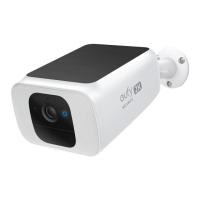
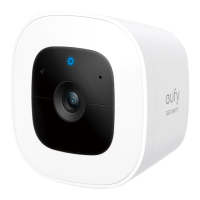
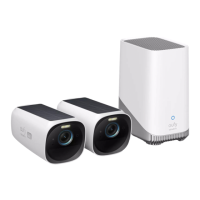
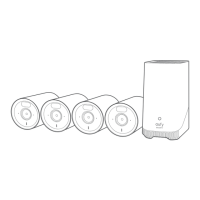
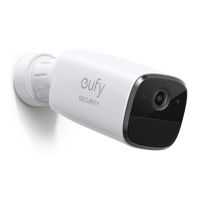
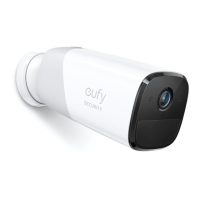
❻
Power Input
❼
SYNC Button
Setting up the System
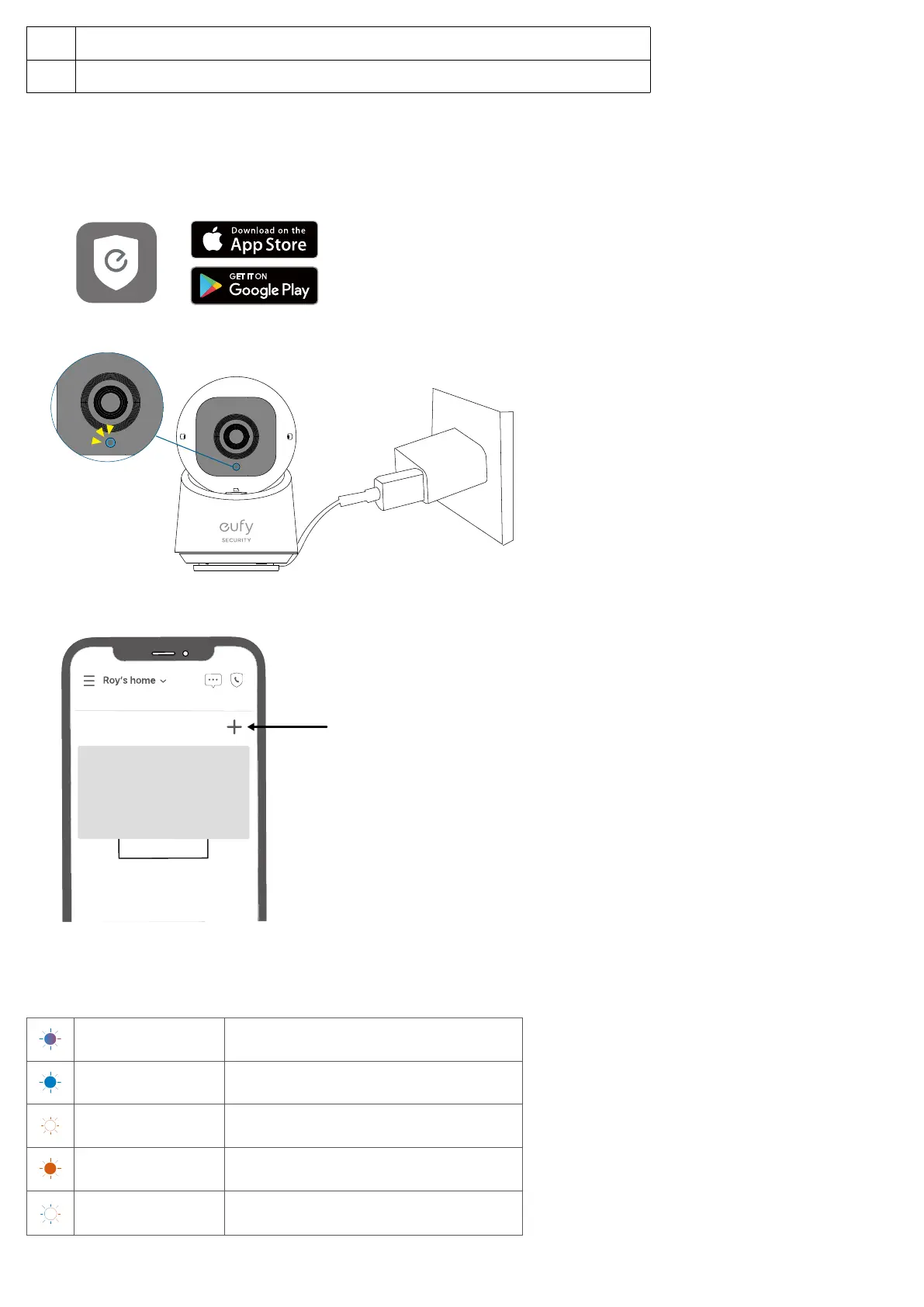
1. Download and install the eufy Security app, then sign up or create an account.
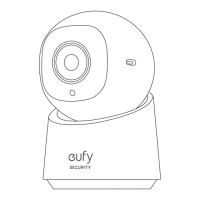
2. Connect the camera to a power source and wait until the status LED turns solid blue.
3. Tap + in the app and follow the in-app instructions to add your camera.
My Devices
LED Light Guide
Solid Violet System is initializing
Solid Blue Working normally or ready for setup
Blinking Red Not connected to the internet
Solid Red Recording or the live stream is being viewed
Flashing Blue and Red
Firmware upgrade in progress
*Keep the camera connected to a power source


 To Next Page