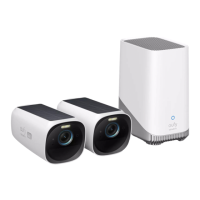
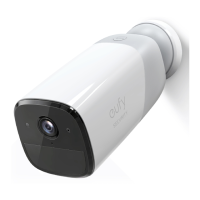
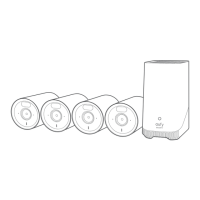
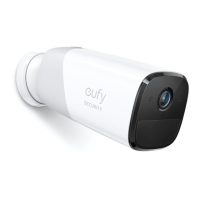
①
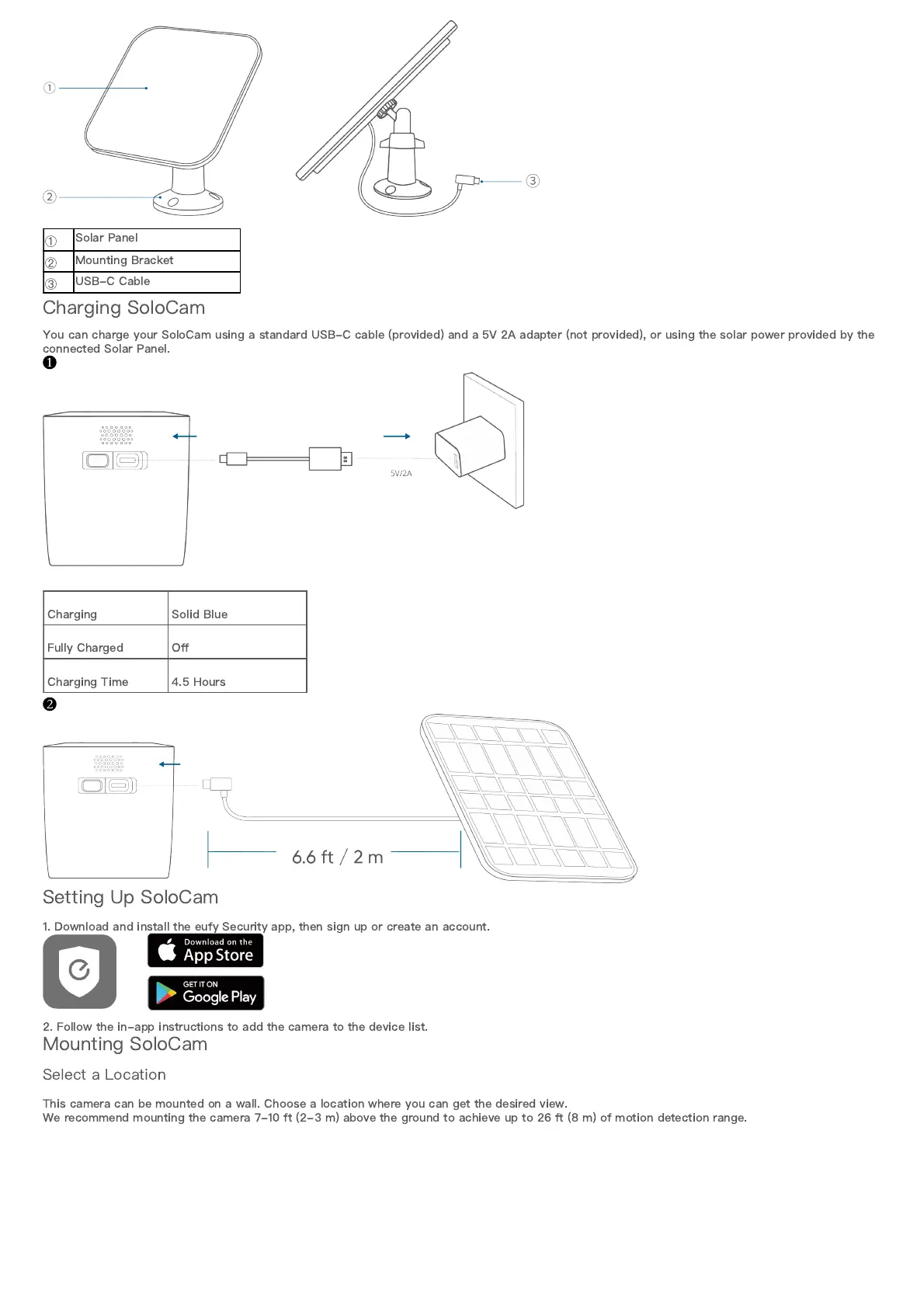
Solar Panel
②
Mounting Bracket
③
USB-C Cable
Charging SoloCam
You can charge your SoloCam using a standard USB-C cable (provided) and a 5V 2A adapter (not provided), or using the solar power provided by the
connected Solar Panel.
❶
Charging Solid Blue
Fully Charged O
ff
Charging Time 4.5 Hours
❷
Setting Up SoloCam
1. Download and install the eufy Security app, then sign up or create an account.
2. Follow the in-app instructions to add the camera to the device list.
Mounting SoloCam
Select a Location
This camera can be mounted on a wall. Choose a location where you can get the desired view.
We recommend mounting the camera 7-10 ft (2-3 m) above the ground to achieve up to 26 ft (8 m) of motion detection range.


 To Next Page