English
05
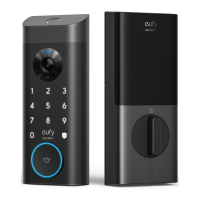
Follow the on-screen instructions in the WiFi Settings section on the eufy Security app
to connect and pair your phone with Smart Lock Wi-Fi. Once successfully paired, you can
operate the Smart Lock Wi-Fi even when you're outside your home.
Note:
Make sure you add Smart Lock Wi-Fi to the device list on the eufy Security
app before pairing it with your phone via Wi-Fi.
Works with the Google Assistant / Amazon Alexa
The Smart Lock Wi-Fi can work with the Google Assistant / Amazon Alexa app. With
Google Home or Amazon Alexa devices at home, you can lock the door using voice
commands.
Note:
• Make sure you’ve downloaded the Google Assistant or Amazon Alexa app on
your phone.
• Make sure your Google Home or Amazon Alexa devices are connected to the
network.


 To Next Page