37
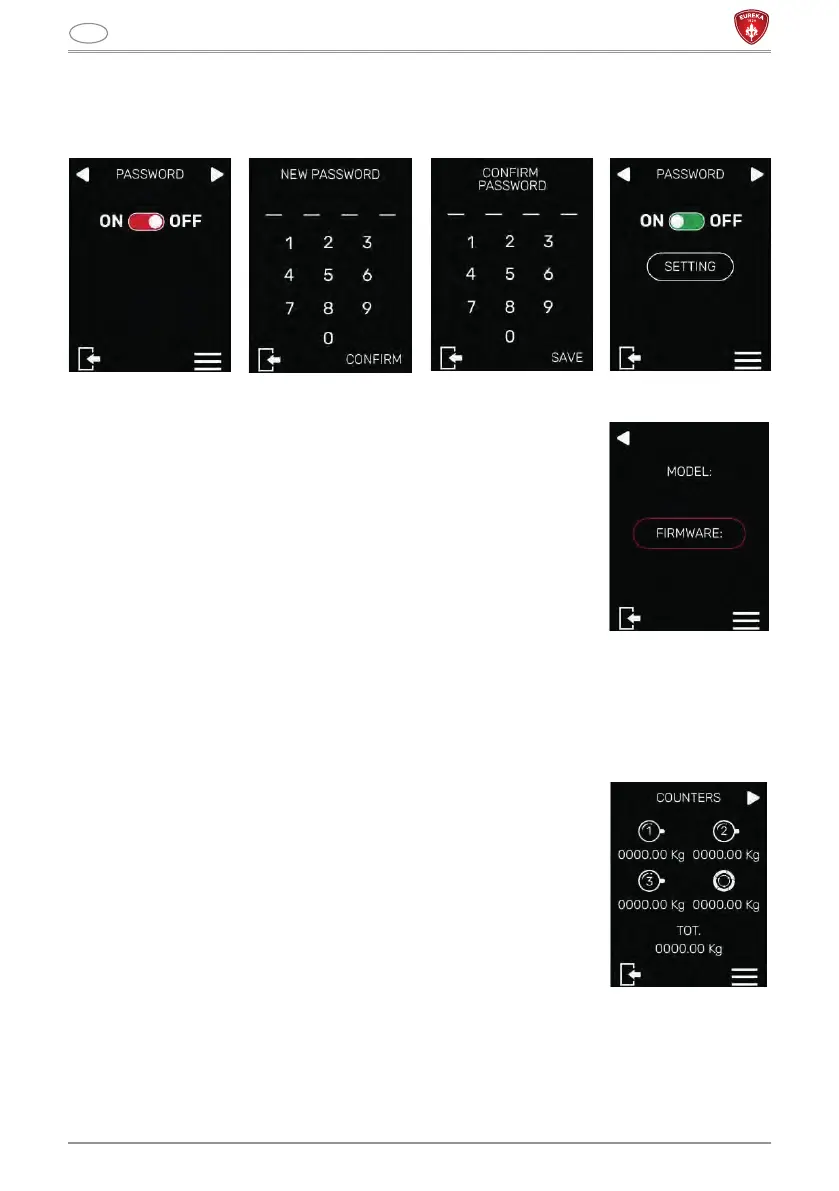
The previously set password must first be entered. By pressing the NEXT key it will be
possible to write, confirm and save the new password.
5.2.3 MACHINE INFORMATION
This screen is used to view the machine information relating
to the model and firmware version, necessary for any
type of technical intervention request.
5.3 TECHNICAL MENU
To access the technical menu, press the (M) button in the main menu screen.
5.3.1 ABSOLUTE COUNTERS
This screen is used to view the absolute counters
(non-resettable) for each dispensed dose.



 To Next Page