12
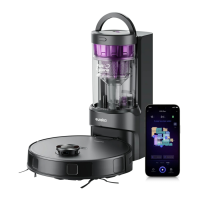
Assembling and charging robot
NOTES
1. Avoid placing the robot and the base under direct sunlight.
2. Be sure to keep the charging area dry.
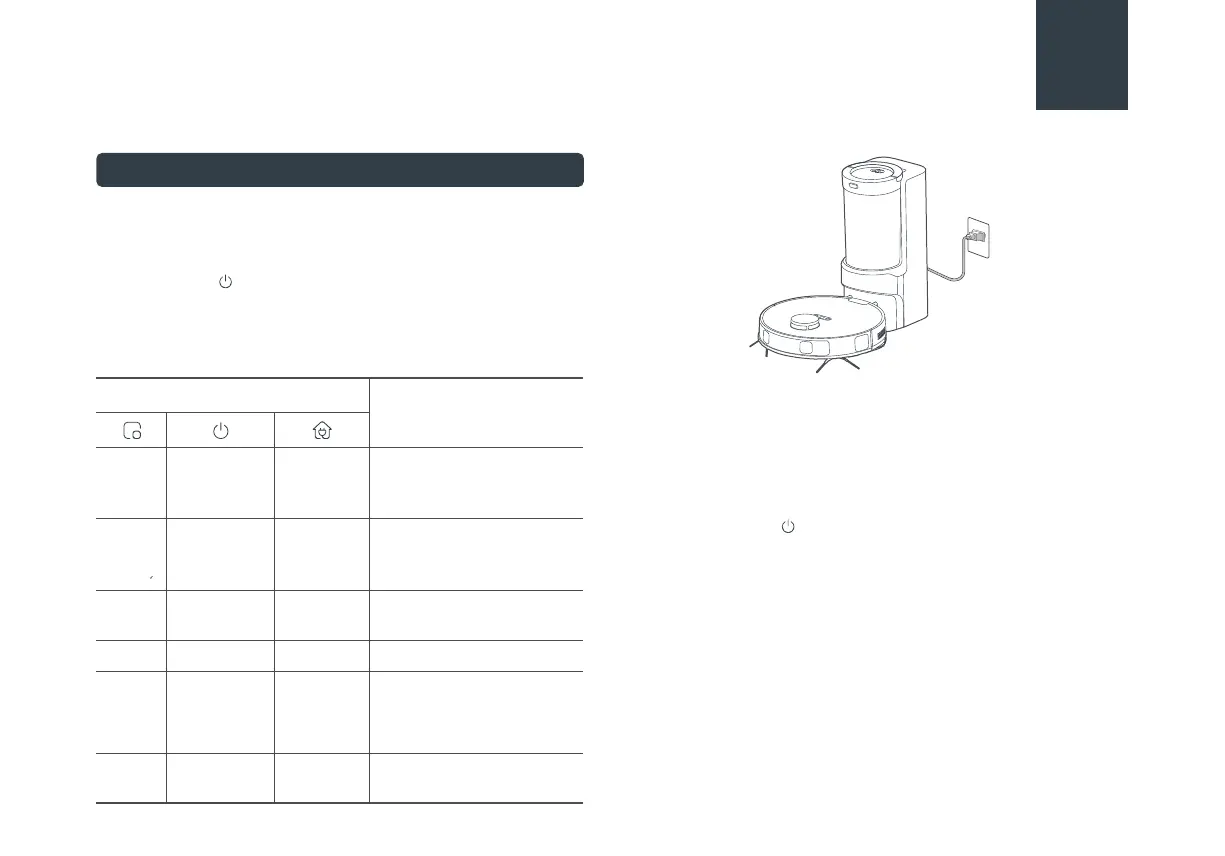
Press and hold " " for 3 seconds to power on the robot vacuum.
After the power indicator turns on, press the recharging button
or manually put the robot back into the self-emptying base for
charging, as shown. We recommend you charge the robot for at
least 6 hours before using it for the first time.
NOTES
1. When the battery level is too low, the robot cannot be
turned on. Please manually put the robot onto the charging
base.
2. The robot will not be turned off when placed on the charging
base. To turn the robot, remove the robot from the base,
press and hold for 3s to shut it down. All indicators will be
turned off.
3. To ensure the optimal performance of the lithium-ion
battery, please keep the robot charged.
4. If you manually put the robot vacuum into the base, ensure
that the charging contacts of both the robot and the base
are connected.
5. For long-term storage, remove the robot from the base turn
it off and store it in a cool, dry place. lf the robot is not used
for more than 3 months, allow it to get charged for at least 12
hours before using. To preserve the battery lifespan, we
suggest you fully charge the battery at least once every six
months.
Indicator Light
Status
Robot is in standby mode,
or cleaning in progress, or
robot is fully charged.
Battery level ≥ 20%, robot
has finished its mission and
is going to recharge
Battery level < 20%, robot
is going to recharge
Robot is charging
stable lightstable light
off
off
flash quicklystable lightoff
Error. Please troubleshoot
according to the actual
performance of the robot,
refer to 'Troubleshooting'
flash quicklyoff
Robot is in sleep mode or
turn off.
off off
flash slowlyoff off
off
off
offstable light
Charging





 To Next Page