29
EN
5.3.8 RESTORING FACTORY SETTINGS
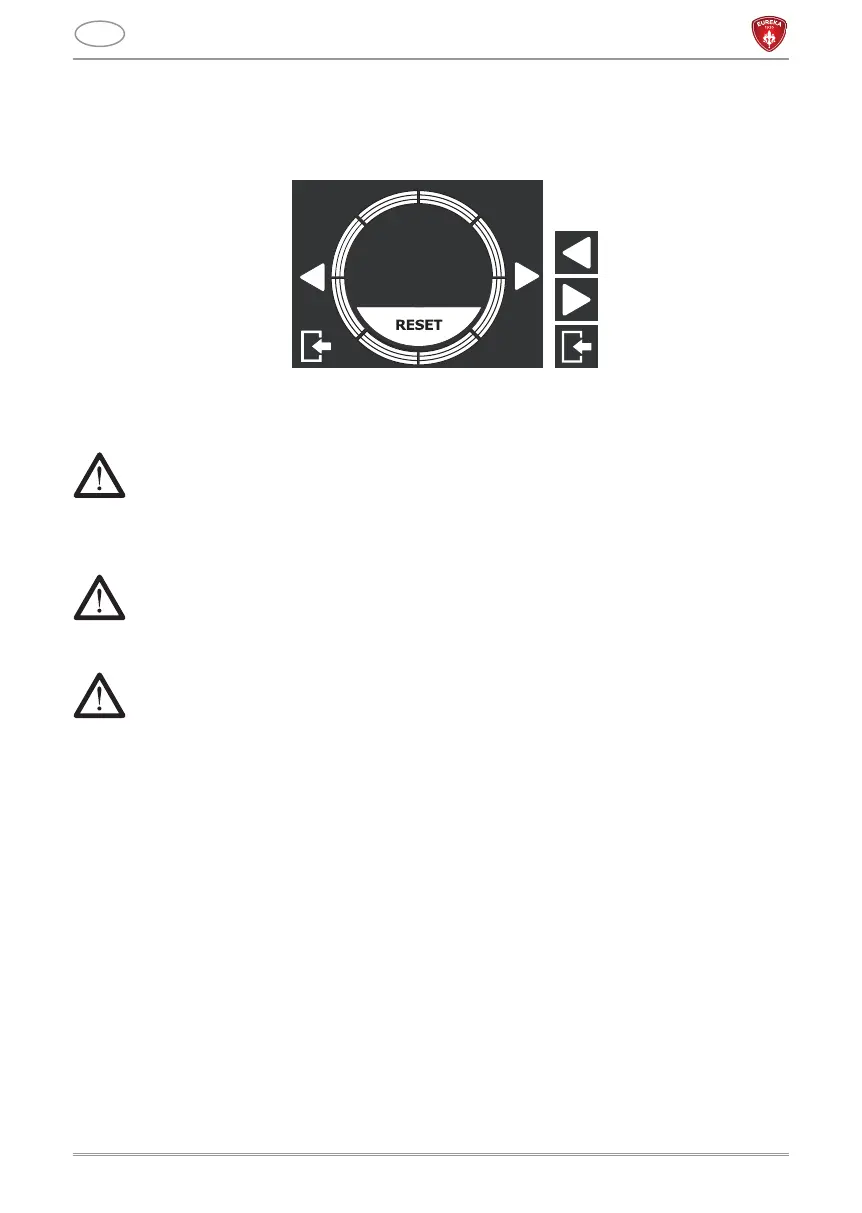
This screen allows to restore the grinder to factory settings. Press longer RESET to
restore factory settings.
6 CLEANING AND MAINTENANCE
ATTENTION
Unplug the grinder from the electrical net before performing any cleaning and
maintenance. Do not pull the feeding cable or the grinder itself to unplug.
ATTENTION
Maintenance must be performed by trained technicians, authorised by the producer.
ATTENTION
Do not perform any approximate maintenance and always use original spare parts.
6.1 CLEANING
Cleaning is fundamental for the correct use of the grinder. A neglected grinder can
negatively impact on the coffee dispensing and on the precision of the dose and the grind.
Before cleaning, check if the grinder is unplugged.
6.2 HOPPER CELANING
After having removed the hopper, clean the internal parts of it with water and neutral soap,
taking off any oil left by the coffee beans. Rinse and dry it carefully. Perform the same on
the cover. Do not use the dish-washer.
6.3 GRINDING SYSTEM CLEANING
After having removed the lid, open the upper burr holder. Then, clean the blades and the
other internal parts with a brush or a dry cloth. If necessary, use a vacuum cleaner or an
air compressed jet. After having installed back the upper burr holder and the lid, install the
hopper. For a complete cleaning, use detergent pills.
RESET
FAC TO RY
DATA RESET
Previous page
Next page
Menu exit



 To Next Page