25
EN
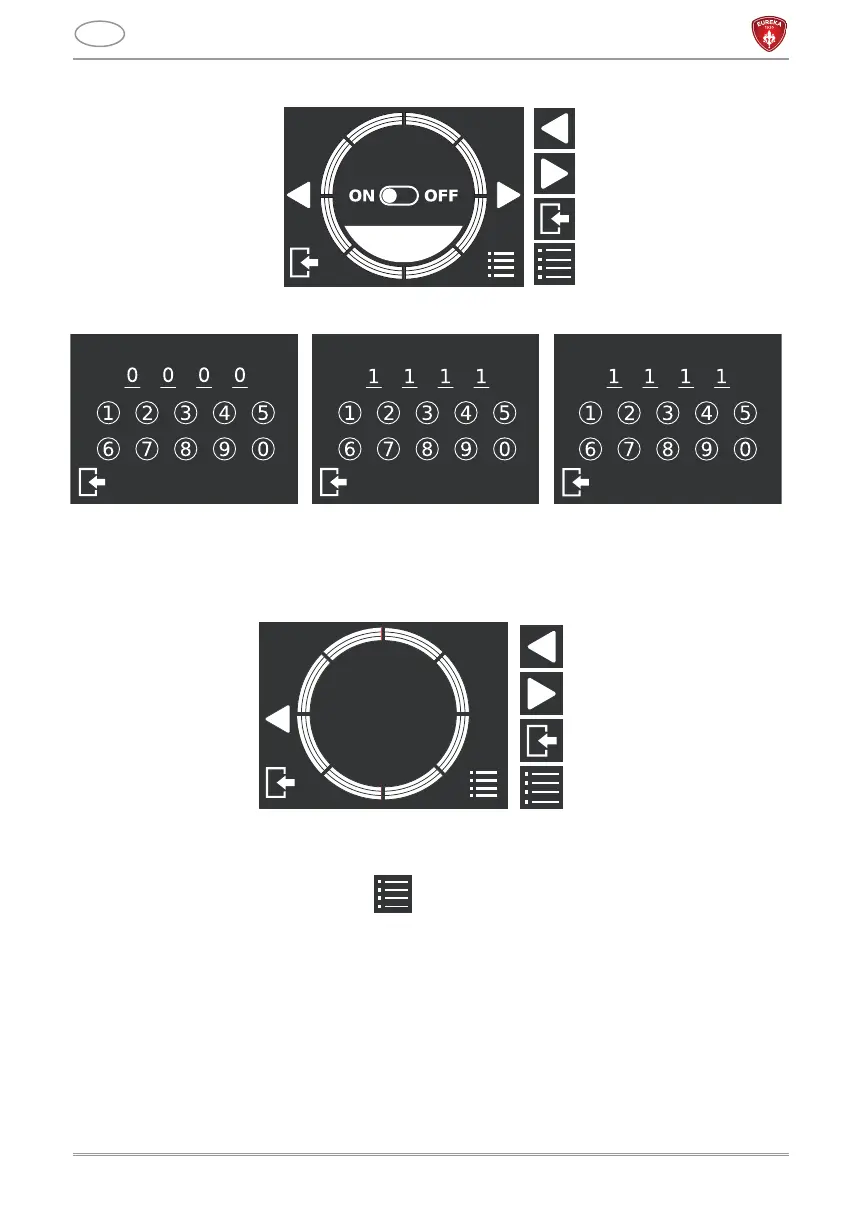
password.
5.2.3 GRINDER INFORMATION
This screen displays information of the model and the firmware of the grinder. These are
mandatory for any technical assistance.
5.3 TECHNICAL MENU
To access the technical menu, press on the screen of the main menu.
5.3.1 RESET PARTIAL COUNTERS
This screen allows to reset partial counters for each dispensed dose, as displayed on the
home screen. Press longer RESET to reset the counters.
PASSWORD
SETTING
CURRENT PASSWORD
FORWARD CONFIRM
NEW PASSWORD
SAVE
CONFIRM PASSWORD
Previous page
Next page
Menu exit
Technical menu access
Model:
X.XX
Firmware:
X.XX
Previous page
Next page
Menu exit
Technical menu access



 To Next Page