24
Troubleshooting
Make sure robot is o and charging plug is unplugged.
Scenarios
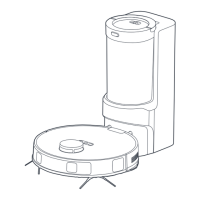
After the robot vacuum returns to the
self-emptying base, the self-emptying
process fails to start automatically
Wireless network signal is weak.
The network bandwidth is insucient.
The dust cup is full.
The lid of dust cup is not closed.
The dust cup is not installed correctly.
Restart the router to reduce the number of access
users.
Check the phone settings.
Increase the network bandwidth.
Empty the dust cup of the base.
Close the lid.
Reinstall the dust cup correctly.
Possible Causes Solutions
App operation response delays





 To Next Page